 Rank One Pro
Rank One Pro
Rank One Pro
There are numerous sports and activities that can utilize Rank One. Each sport/activity will have access to build rosters, input schedules, track equipment, and more!
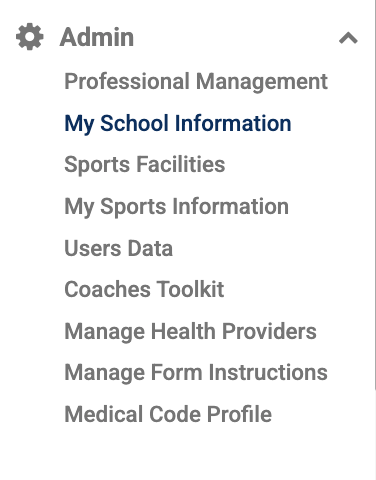
Hold your cursor over the Admin tab and select My School Information.
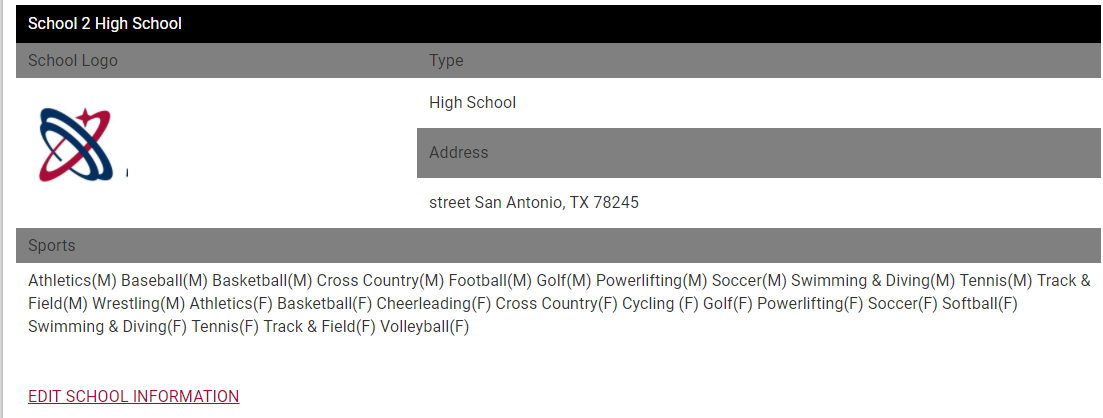
Click "Edit School Information" under the school you're adding the sport/activity to.
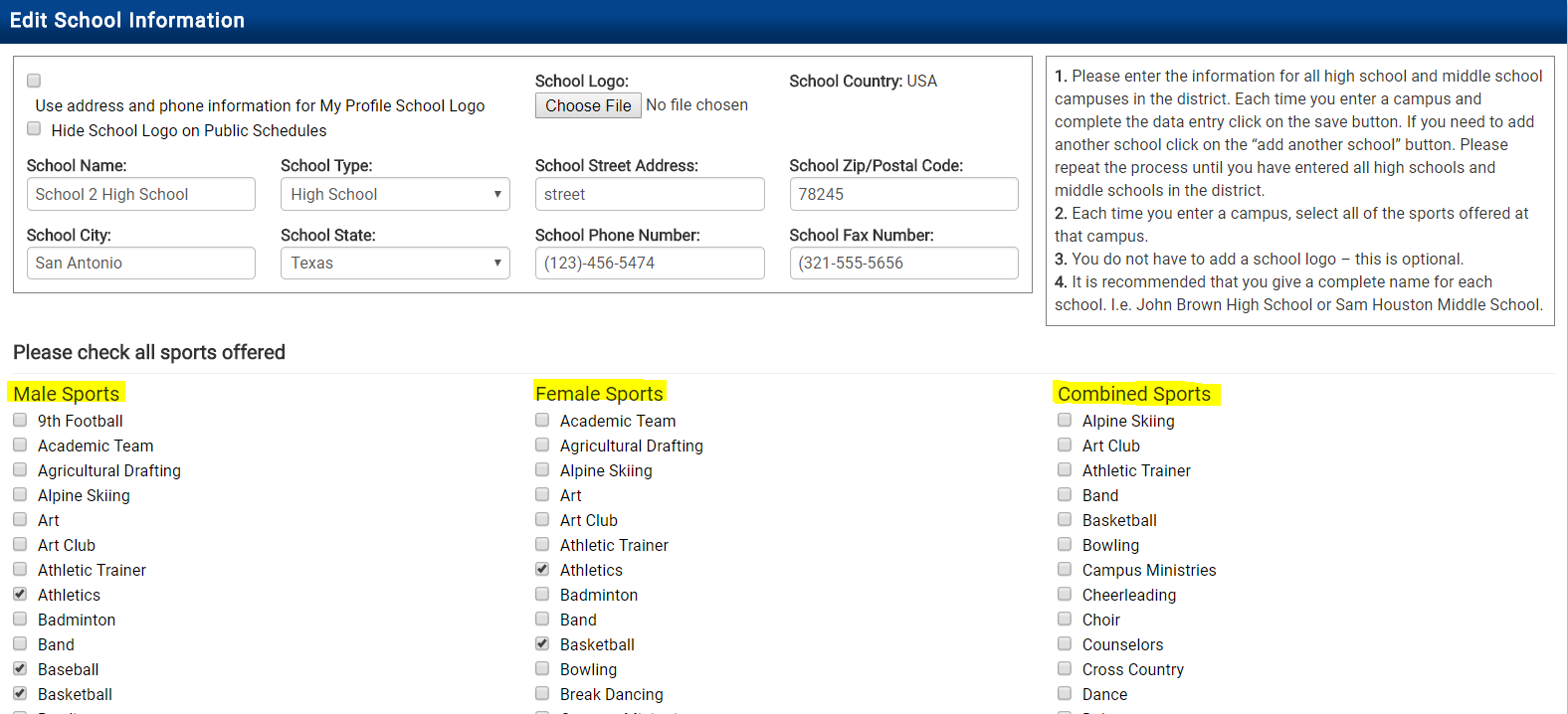
Sports and activities are separated into three columns: Male Sports, Female Sports, and Combined Sports.
Go through the appropriate column(s) and place a check in the box next to each sport/activity you want to add. Scroll down to the very bottom and click Save.
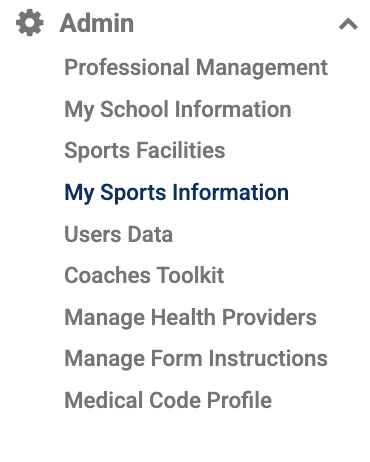
Hold your cursor over the Admin tab and select My Sports Information.
Find the correct campus and click View.
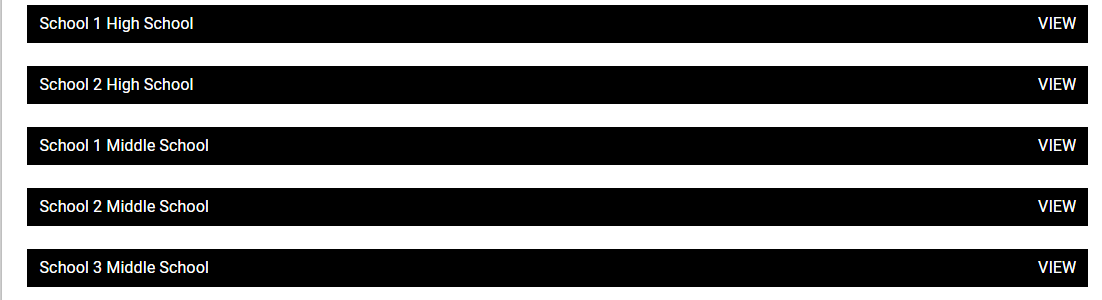
Find the sport/activity and click Add New Team.

Example: Men's Soccer shown as Soccer (M)
Type in the Team Name, select a Team Level, and click Save.
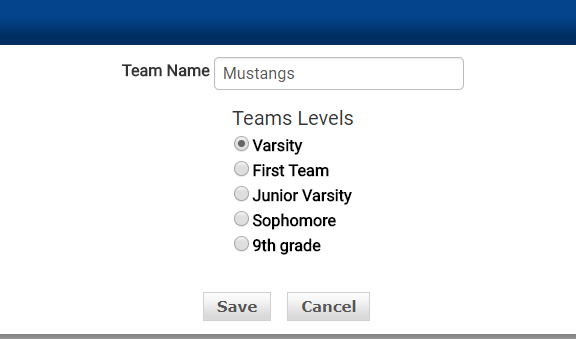
You can have as many teams at the same level as needed. For example, you can add multiple 8th Grade Level Teams and distinguish them by the team name.

Example: Two 8th grade teams distinguished by name (Mustangs - A Team, Mustangs - B Team)