 Rank One Pro
Rank One Pro
Rank One Pro
This tutorial explains how to edit game results and summaries directly from the Rank One Coach/Admin mobile app.
Log in to the Rank One Coach/Admin App. From the home screen, tap the Schedules button.
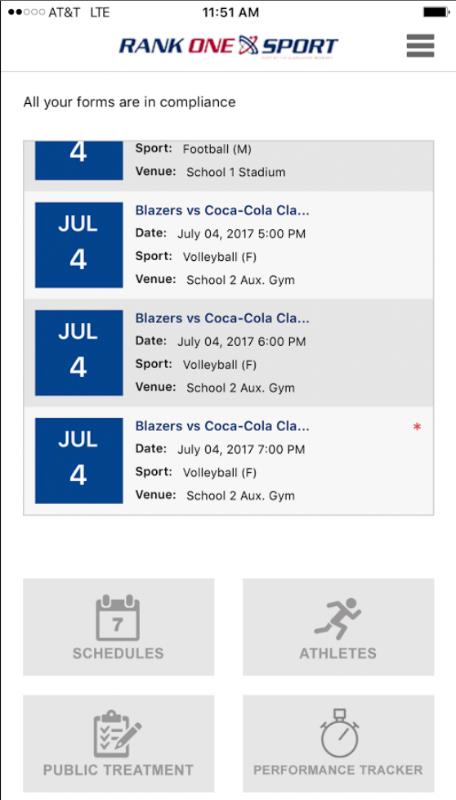
The app home screen showing the Schedules option.
Select the School, Sport, Level, and Team from the dropdown menus. Then tap Search.
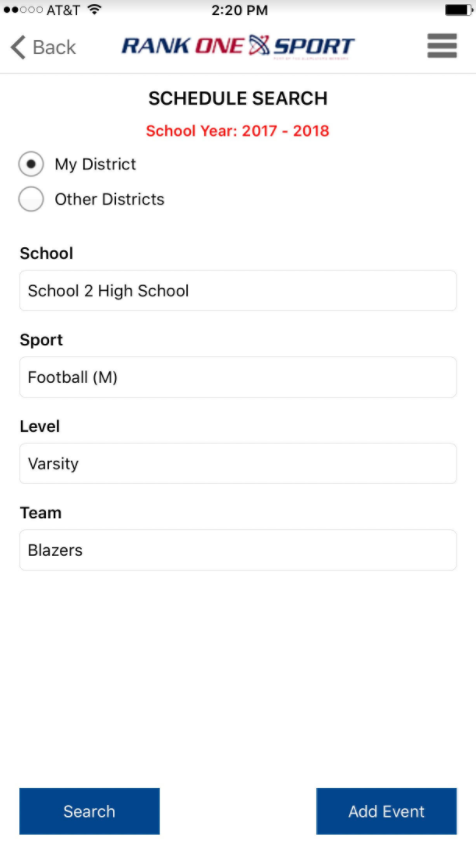
The Schedule Search screen with filter criteria.
Your schedule will populate with a list of games. Find the game you wish to edit and tap on the date of that game to open it.
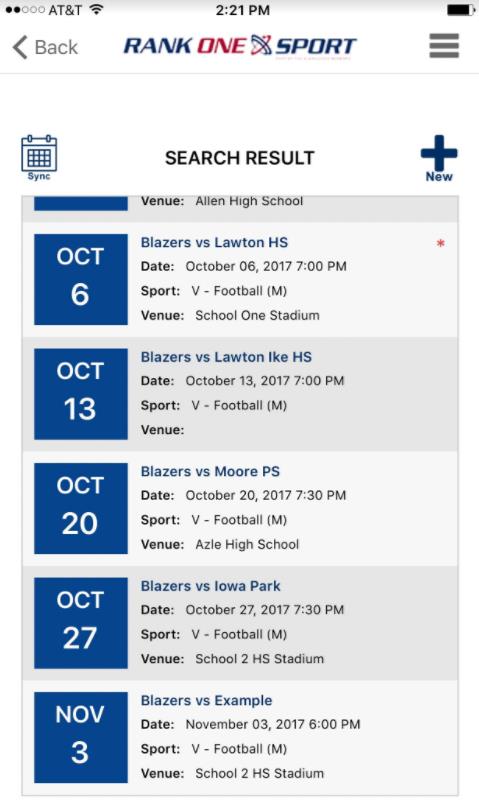
The search results showing upcoming games. Tap a game date to open it.
You can edit any game details from this screen. To enter the game score and summary, scroll to the very bottom of the screen. Enter the score for each team, type in the game summary, and tap Save.
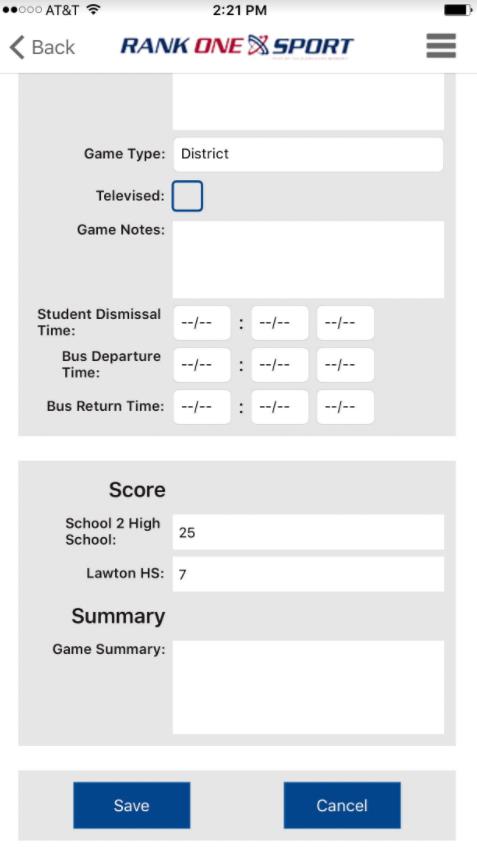
The game details screen with Score and Summary fields at the bottom.