 Rank One Pro
Rank One Pro
Rank One Pro
Camp Reports can be run to gather pertinent information regarding one or multiple camps. This tutorial explains how to generate and export camp reports.
Select Camp Reports from the Camps menu. The system will pull all active camps.
To narrow the selection, you can filter by specific Camps or by School.
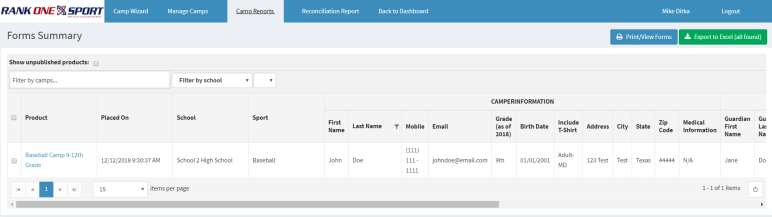
Use the filter drop-downs to narrow results by camp or school.
The following information is included by default in a Camp Report. To remove fields from the report, click the X next to the item(s) you wish to remove.
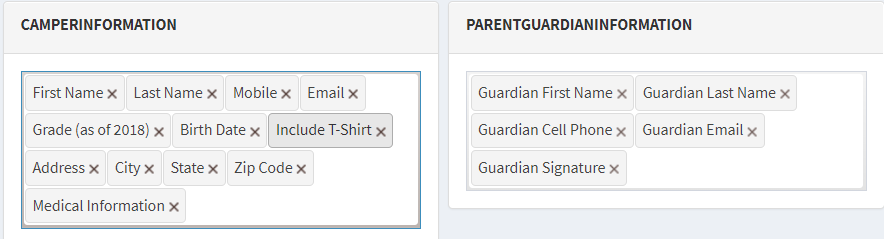
Click the X next to any field to remove it from the report.
To print or save the Camp Report, select Export to Excel in the top right-hand corner of the page.
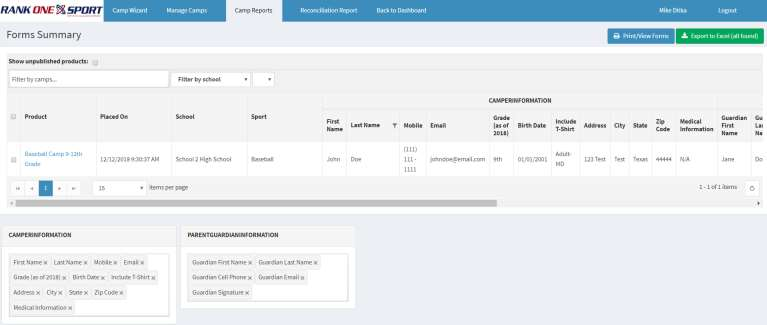
Click Export to Excel to download the report.