 Rank One Pro
Rank One Pro
Rank One Pro
The following steps will allow you to change your password.
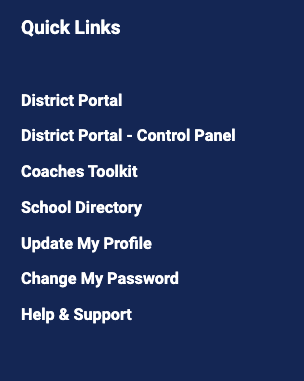
Log into the website. Under the Dashboard tab there is a list of "Quick Links". Click on the Change My Password link.
Enter your old password and the new password you would like to have twice, then click the Save button.
