 Rank One Pro
Rank One Pro
Rank One Pro
The Copy Camp feature allows you to duplicate an existing camp brochure, saving time when building multiple camps with similar details.
On the Manage Camps page, find the camp you would like to copy and click Edit Brochure.
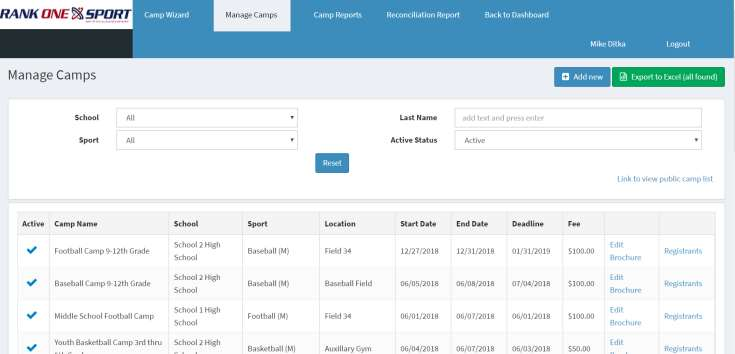
Click Edit Brochure next to the camp you want to copy.
Click on the Copy button in the top right-hand corner of your screen.
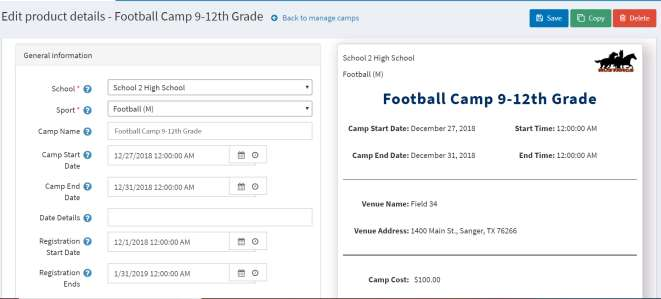
A dialog will appear with the following options:
Enter the new camp name, configure the checkboxes as needed, and select Copy.
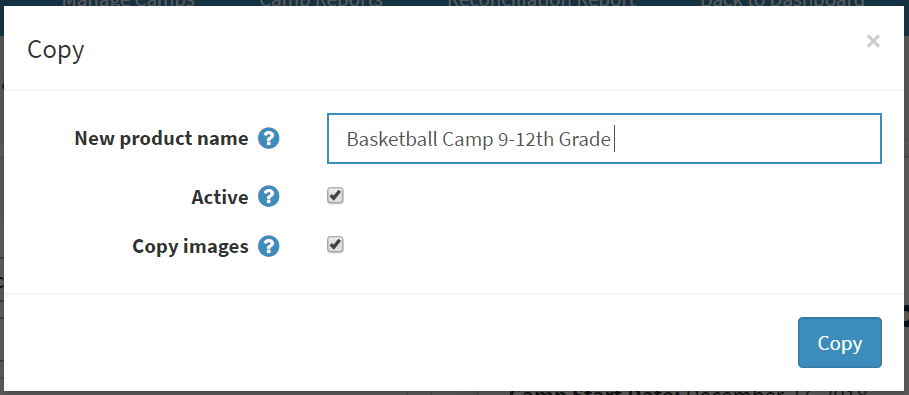
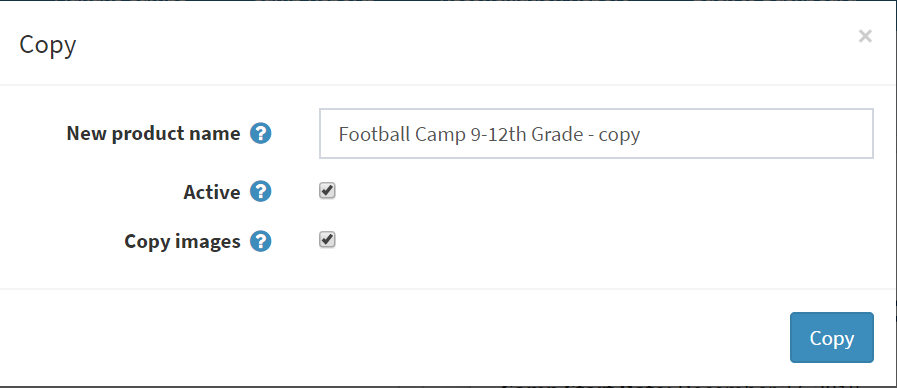
Configure the camp name, Active status, and Copy Images options before copying.
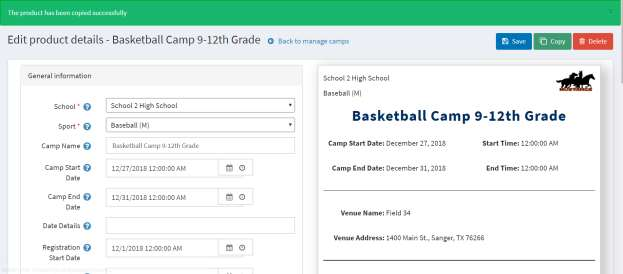
After copying, the system will redirect to the Edit Brochure screen where you can change all details specific to the new camp. Once the information is updated, click Save and the new camp will appear on the Manage Camps page.
The new copied camp now appears in the Manage Camps list.