Rank One Pro
Rank One Pro
Rank One Pro
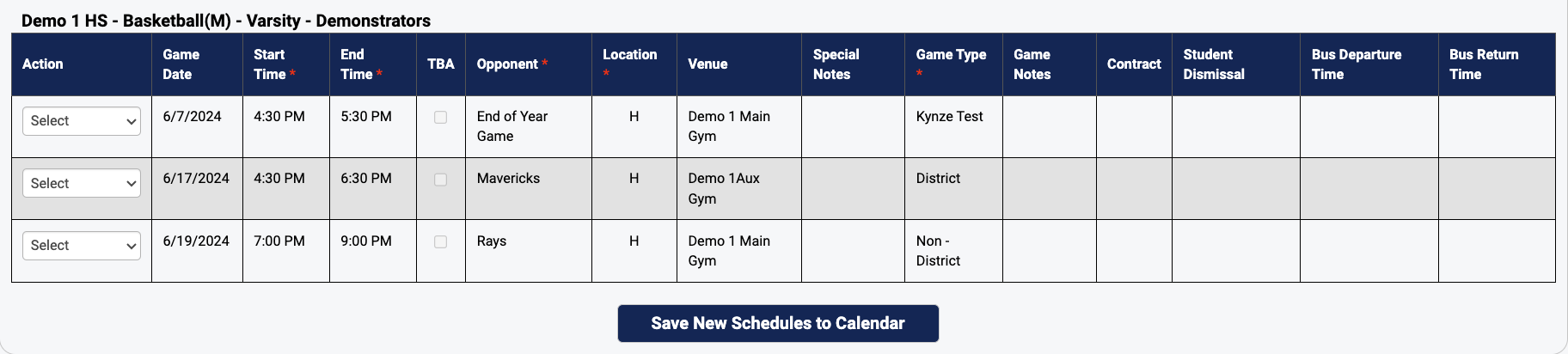
The Copy Schedules feature is designed to save time. The system will allow you to create a schedule and copy that same schedule to another team. For example, copying an 8th grade football schedule to a 7th grade football schedule.
To copy a Game Schedule, hold your cursor over the Schedules tab and select Schedules. Select the School, Sport, Level, and Team of the schedule you want to copy, then click "Show."
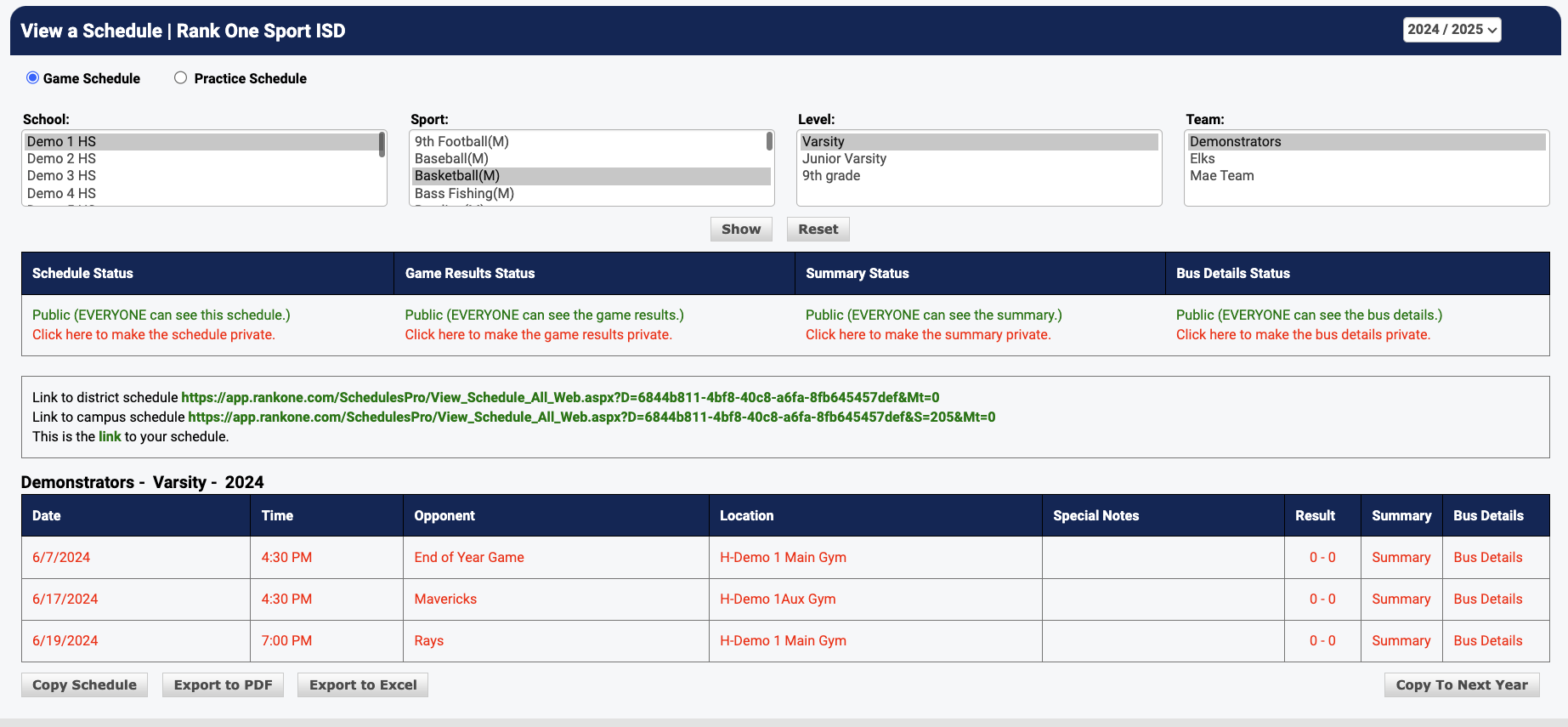
At the bottom of the schedule, select "Copy Schedule."
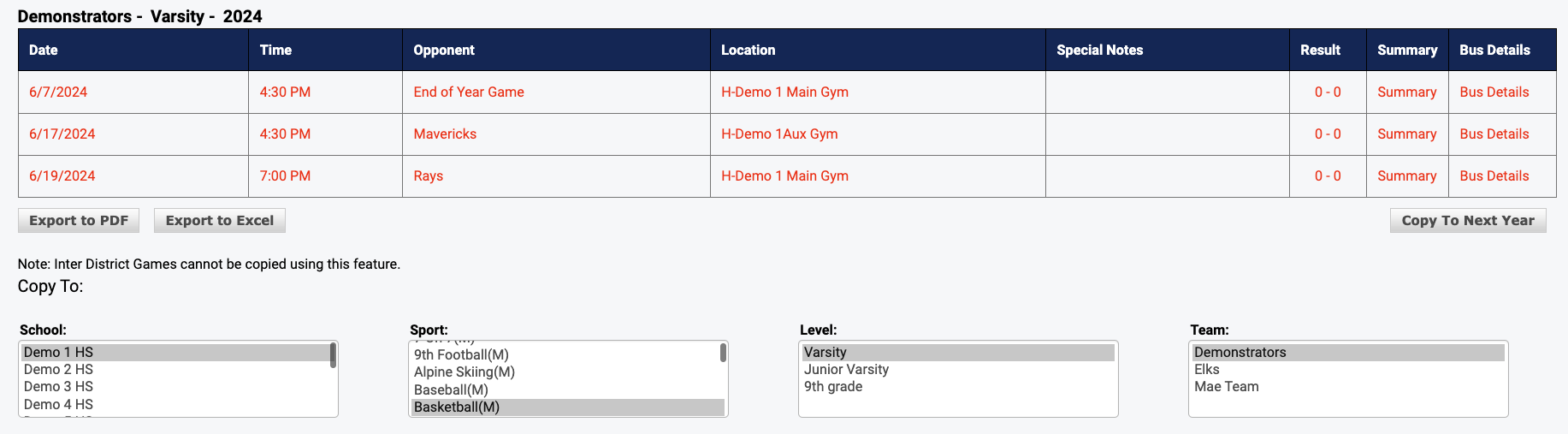
Select the school, sport, level, and team you want to copy the schedule to and click "Copy Schedule."
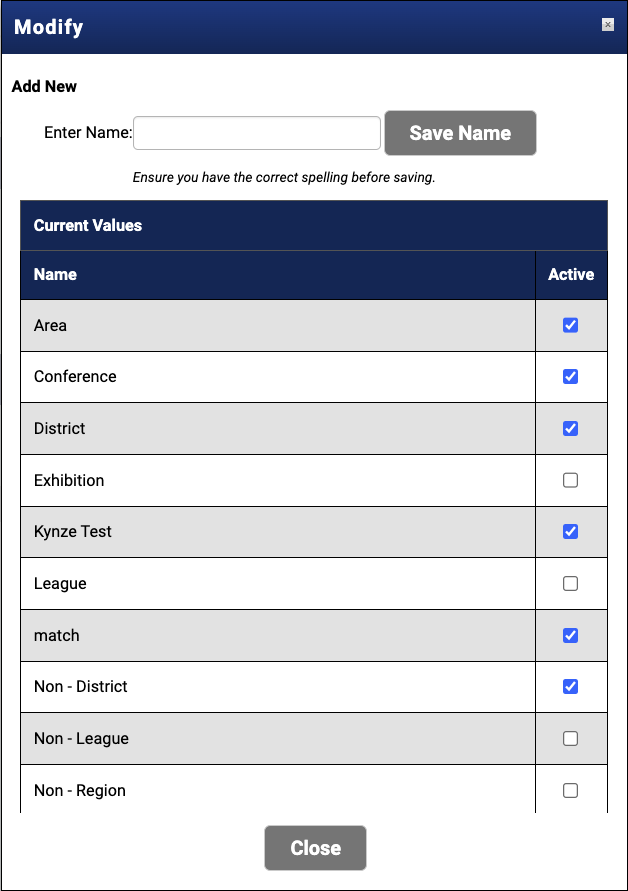
You will receive a confirmation message after copying the schedule successfully. To edit game times or details, hold your cursor over the Schedules tab and select Game Scheduler. Bring up the copied schedule and select "Modify" to make changes, then select "Save."