Rank One Pro
Rank One Pro
Rank One Pro
There are two ways to enter a treatment from the Rank One Coach/Admin App. This tutorial covers both methods.
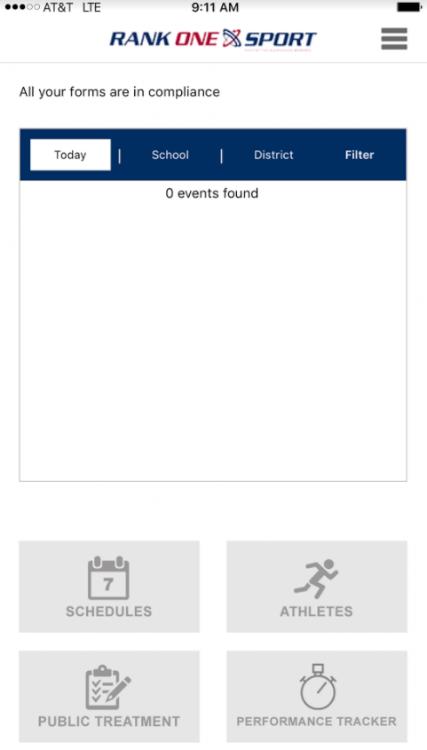
Log in to the Rank One Coach/Admin App and tap Athletes from the home screen.
Select your School from the dropdown menu.
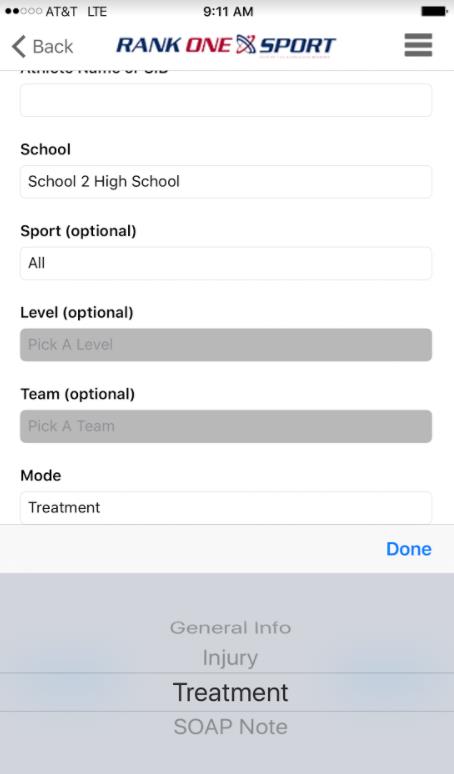
Under Mode, select "Treatment" and tap Done.
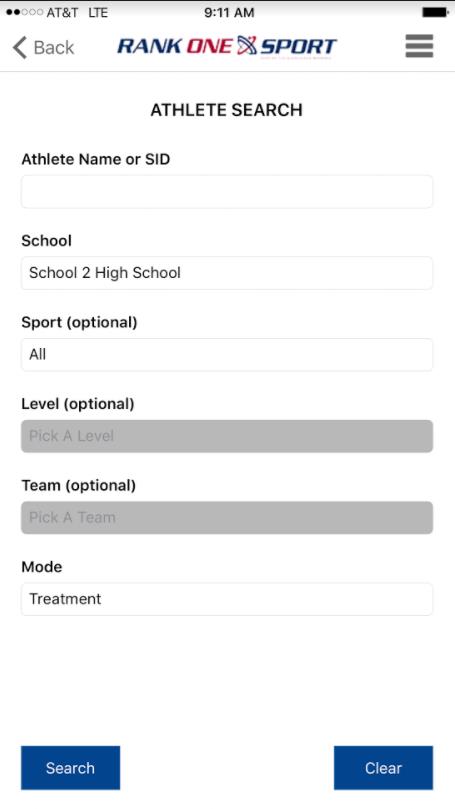
When the screen shows "Treatment" in the Mode section, tap Search. The Master List will populate.
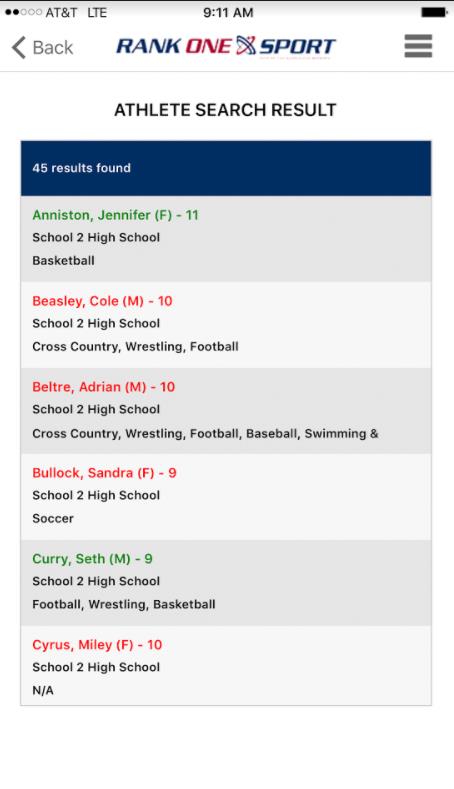
Scroll through the Master List and select the appropriate athlete. You can also search by Name/Student ID or by Sports Roster to narrow results.
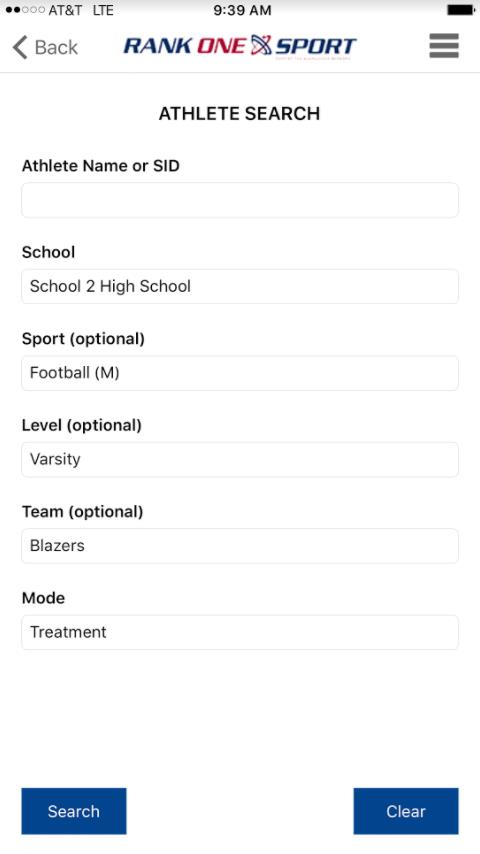
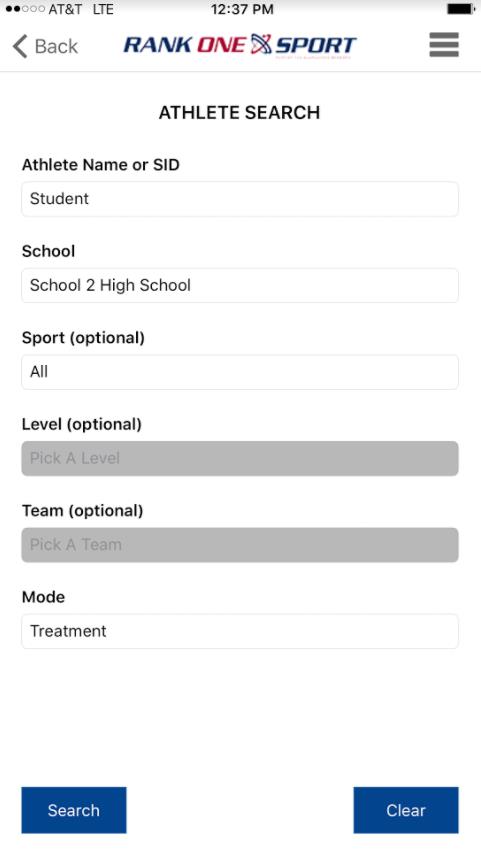
Left: Search by Name/ID. Right: Search by Sports Roster.
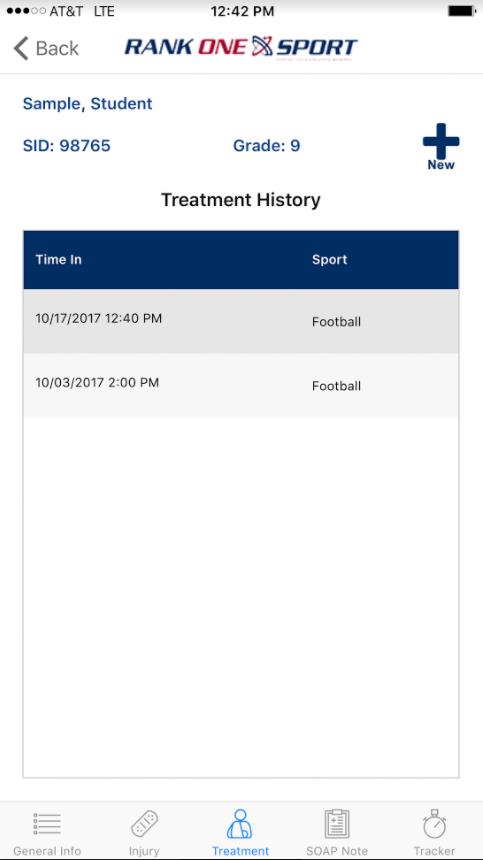
After selecting an athlete, their treatment log will populate. To add a new treatment, tap the New button. To edit an existing treatment, tap on the treatment entry from the list.
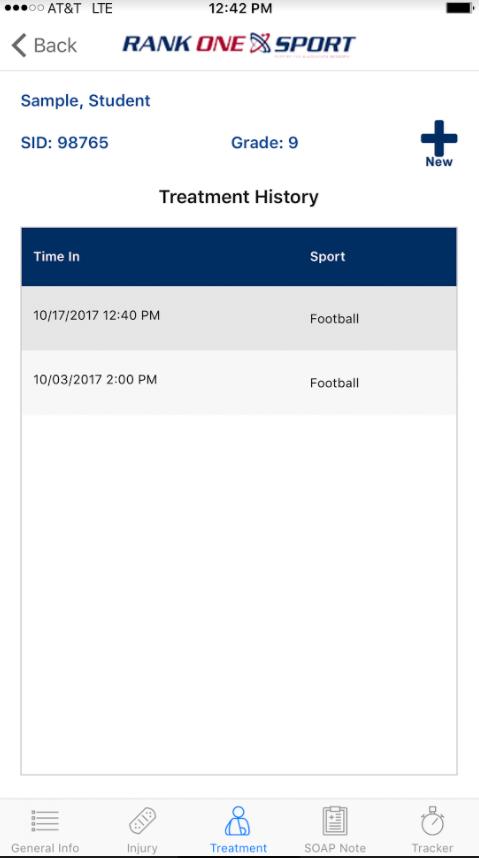
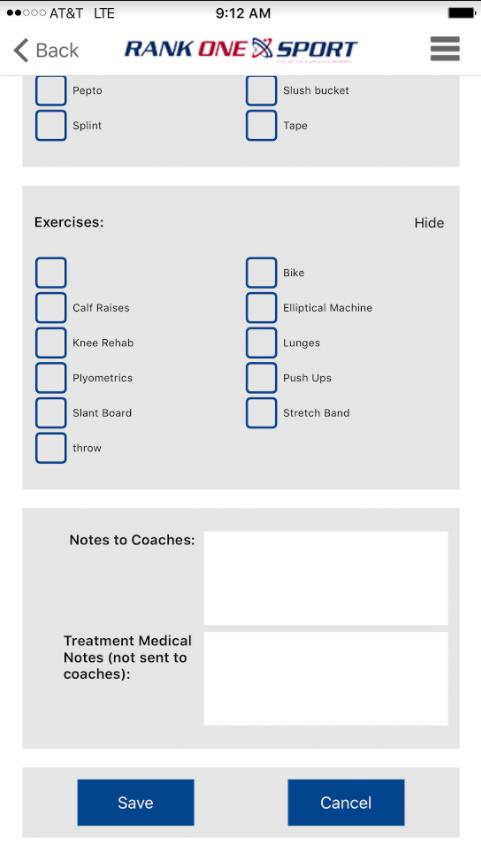
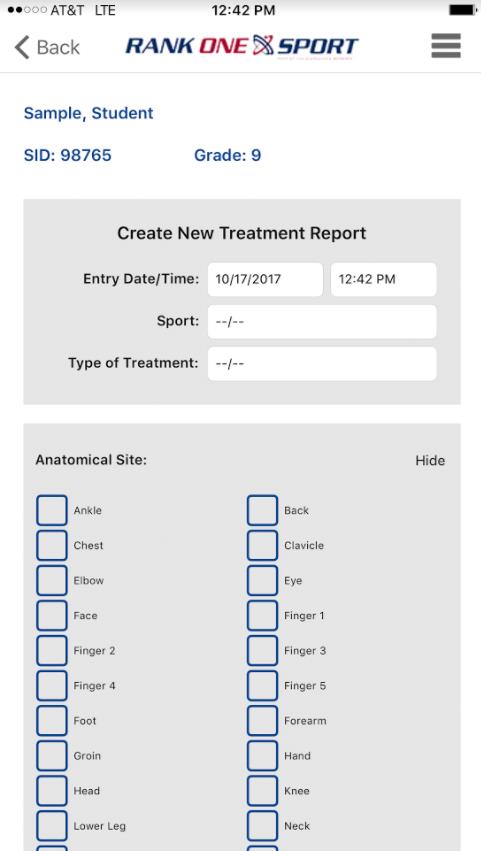
Enter the appropriate treatment information and tap Save.
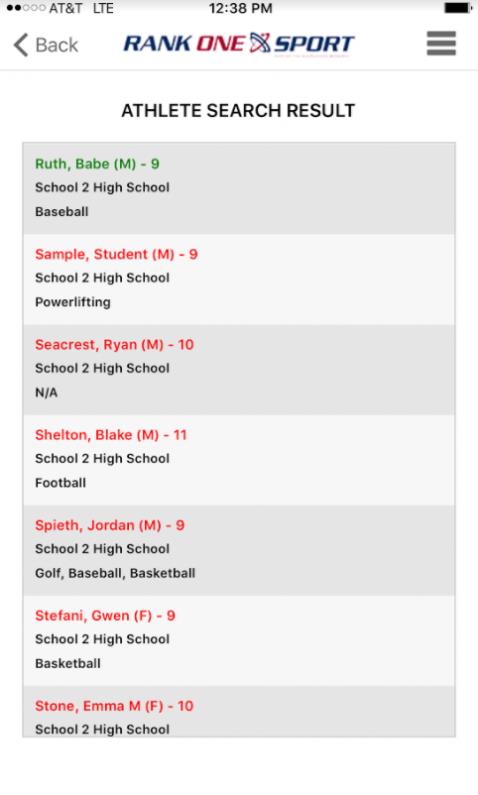
Log in to the app and select the Athletes tab. Search for your athlete and tap on their name.
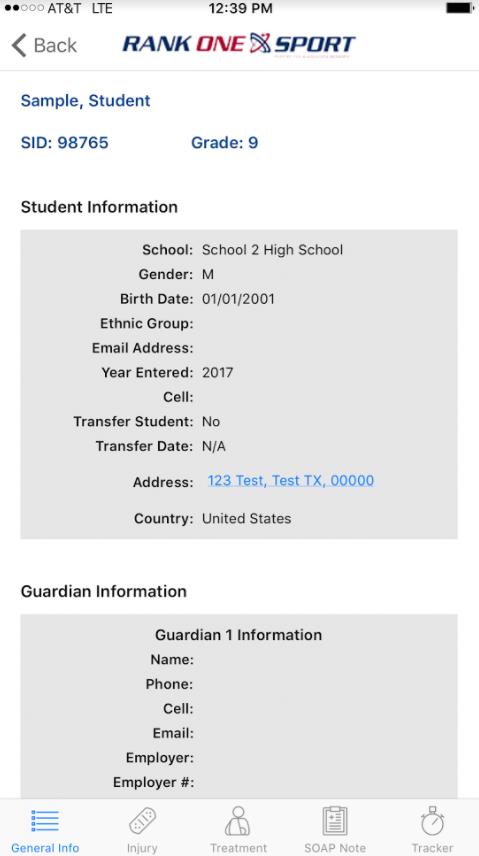
The Athlete Profile will populate. Select Treatment from the menu options at the bottom of the page.
The athlete's treatment log will populate.
To add a new treatment, tap the New button. To edit an existing treatment, select the treatment from the list.