Rank One Pro
Rank One Pro
Rank One Pro
Hold your cursor over the Schedules tab and select Schedules.
Select the School, Sport, Level, and Team, then click "Show."
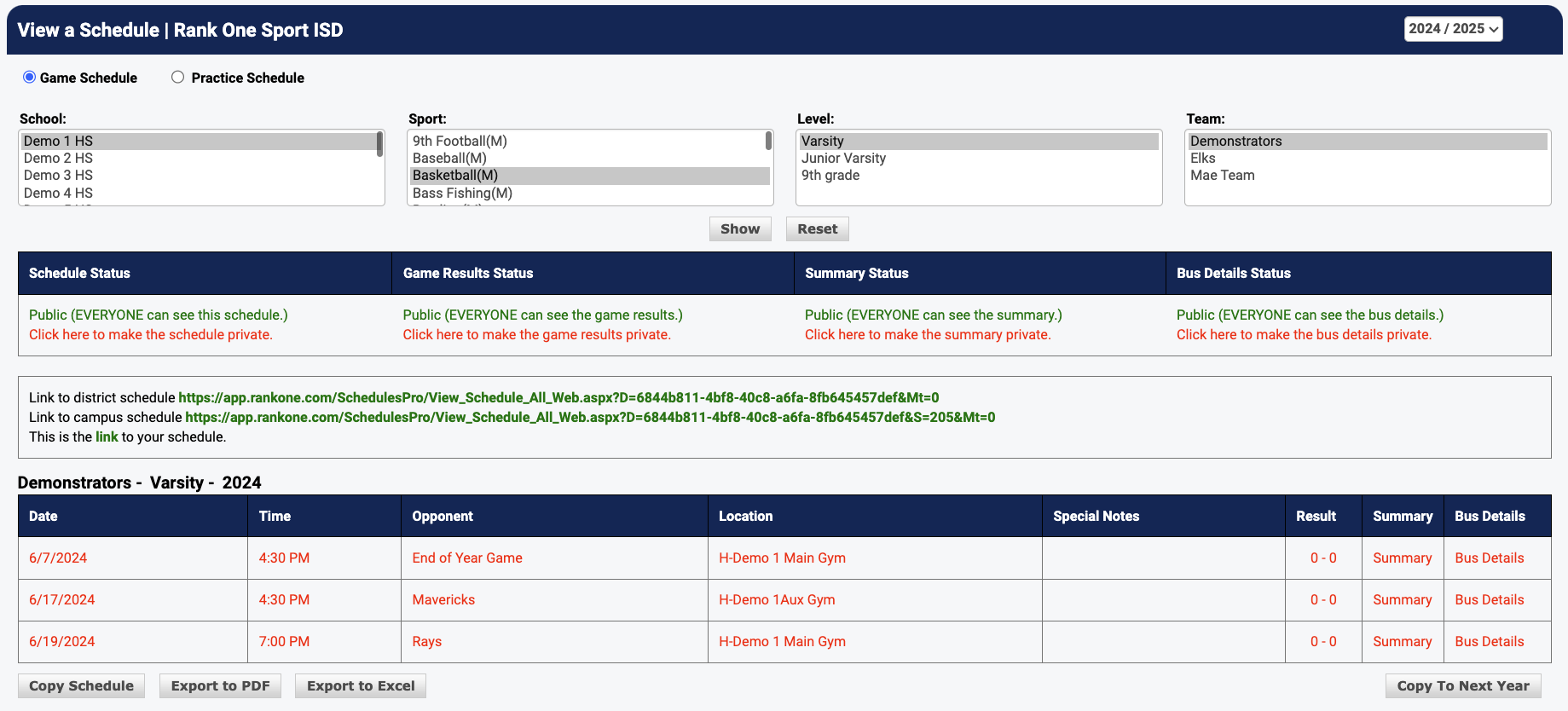
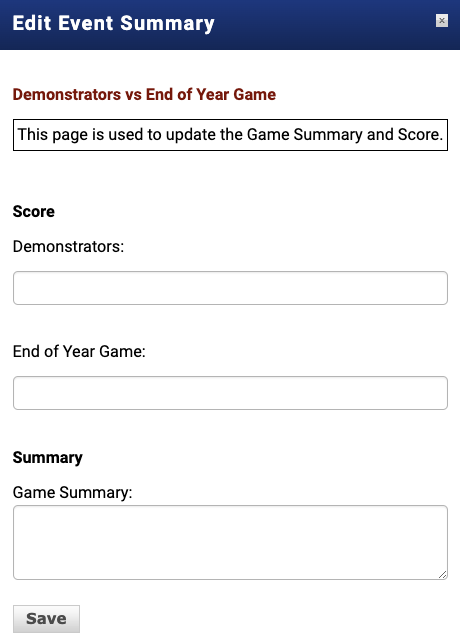
When the schedule appears, find the game you wish to edit and click on "Result" or "Summary." You can enter in both the result and summary on either selection.