This tutorial walks you through creating a Parent Account in Rank One and completing your student's online forms. You will learn how to register, link your student, and submit the required electronic documents.
Part 1: Accessing the Parent Portal
1
Navigate to Your District's Parent Portal
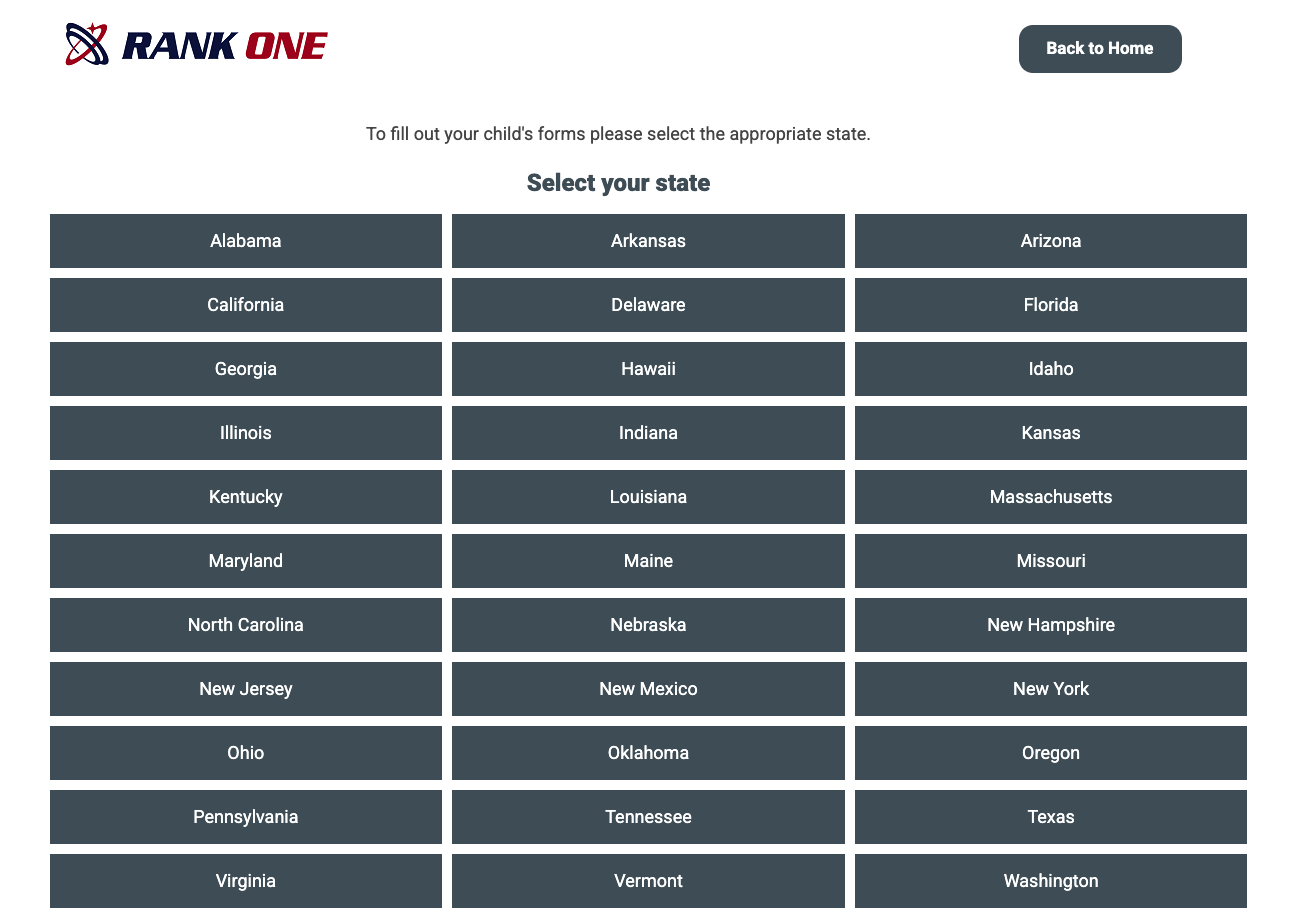
Click Here to select your state and get started. Choose your State and then your student's school district.
Part 2: Creating Your Parent Account
2
Log In or Create a New Account
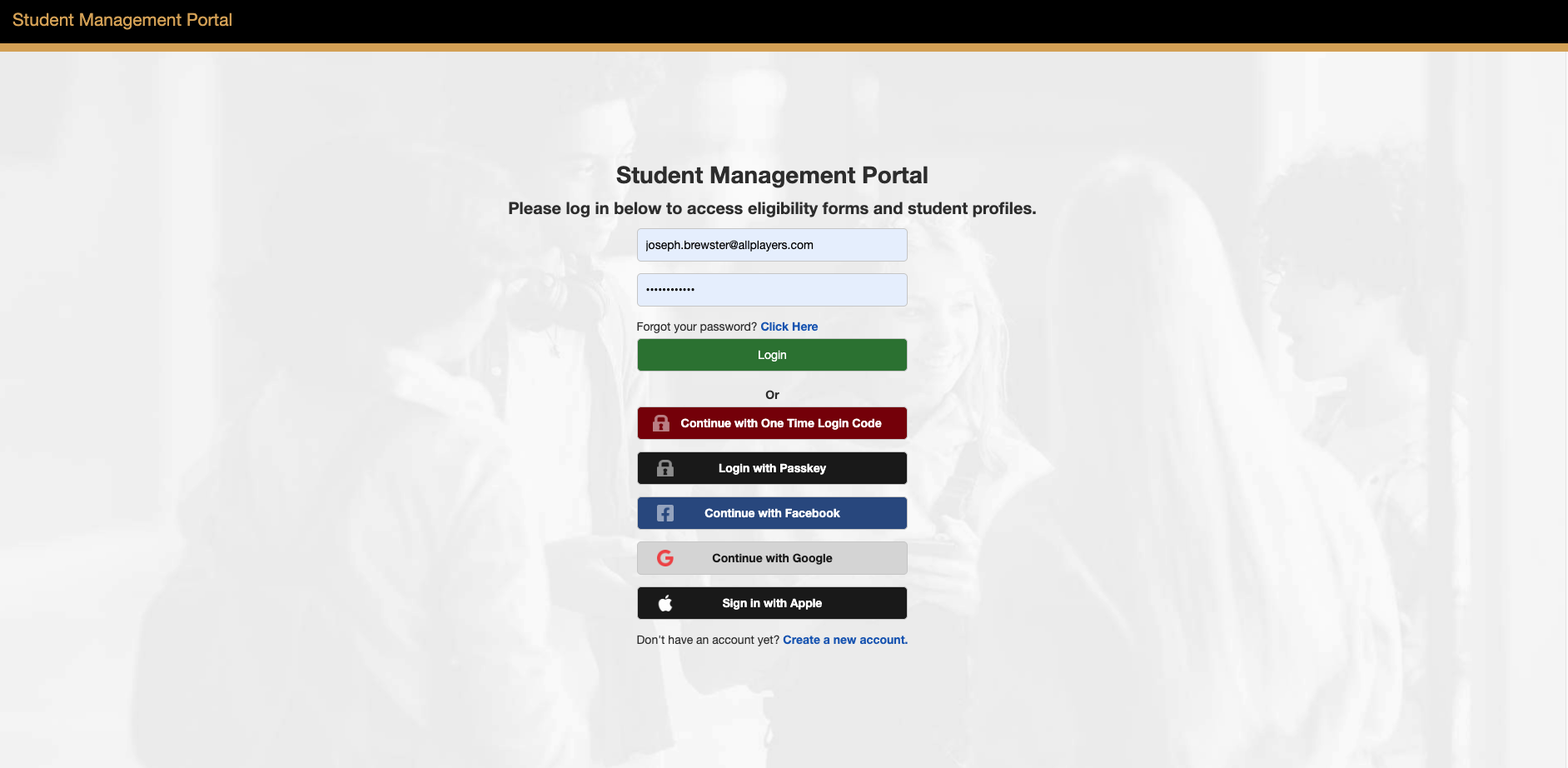
On the Parent Portal login page, you have several options:
- To create a new account, select "Create New Account"
- If you already have a Parent Account, enter your credentials and log in
- Not sure if you have an account? Select "Search for your account"
- If you forgot your password, select "Click here" next to "Forgot your password" to receive a reset link
3
Register Your Account
You can register using your Facebook or Google credentials by selecting the appropriate icon. Alternatively, register manually by entering your:
- First Name and Last Name
- Email Address
- Password (must be at least 6 characters)
- Confirm Password
Click Register when finished.
4
Confirm Your Email
After registering, you will be sent a confirmation email. Check your inbox for an email from Rank One.
Important: If you do not receive a confirmation email, check your junk/spam folders. You can also email support@rankone.com to have your email address verified.
Open the confirmation email and click the link to verify your account. The link will redirect your web browser. Then click the link to sign into your parent account.
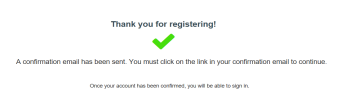
A confirmation message appears after registering.
Part 3: Signing In and Linking Your Student
5
Sign In to Your Account
If you created your account with email, enter your Email Address and Password and select Sign In. If you used Facebook or Google to create your account, select the appropriate icon to sign in.
6
Claim Your Student
You will be prompted to link your student to your account. Depending on your school, you may need to provide one of the following:
- Last Name and Student ID Number
- Birth Date and Student ID Number
- First Name, Last Name, and Birth Date
Enter the requested information and select Find Student.
Tip: If you do not know your student's ID number, contact the school directly to obtain it.
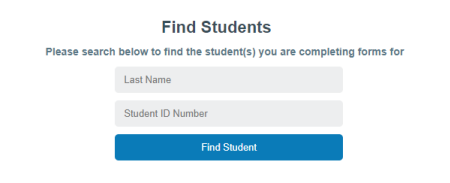
Enter your student's information to link them to your account.
7
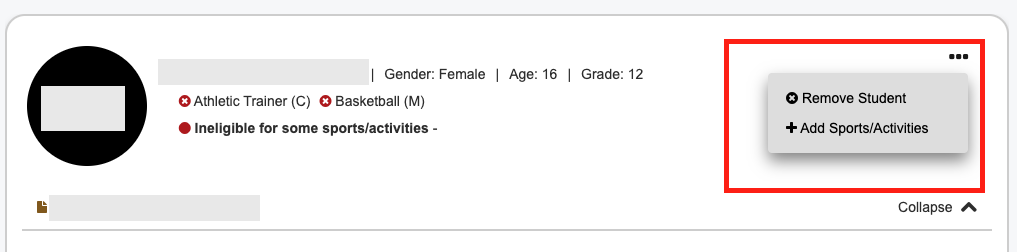
Add Sports and Activities For Your Student
In order for all the proper forms to appear on your account, be sure to add the correct
sports and activities your student will be participating in. You can do this while claiming a student, or after they have been claimed by clicking the
Part 4: Completing the Online Forms
8
Start Completing Forms
Once your student is linked, you will see a confirmation. To add another child, select "Find Another Student". To begin completing forms, select "Start Forms".
9
View Your Student's Compliance Status
You will see your student's name and their Compliance Status. Click "View" to see the required forms and your student's current status.
10
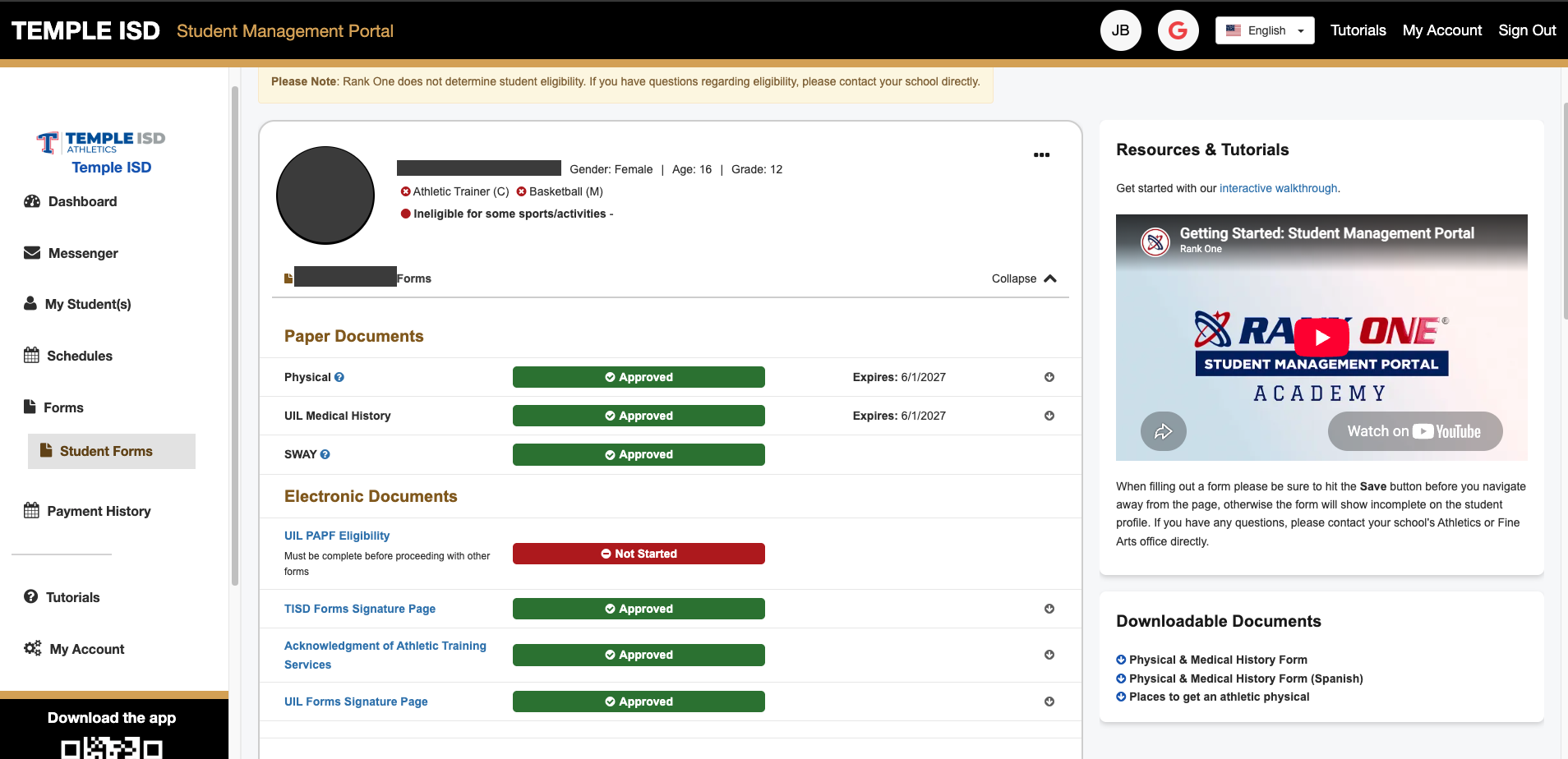
Complete Paper and Electronic Documents
You will see two sections:
- Paper Documents — To print a blank Physical form or other printable documents, click the "Download and Print" tab on the right side. Printable forms such as the Physical should typically be turned into the school manually. Some schools may allow you to upload these documents via an electronic form titled "Physical Upload Form."
- Electronic Documents — Click on the first blue link to open the form. The form status will show as "Incomplete" until the school has approved your student's forms.
Tip: Some schools may require multiple forms to be completed. Work through each form in order until all are submitted.
Important: If you have any questions related to the forms, please contact your student's school directly.
Part 5: Additional Parent Account Features
Your Parent Account includes several additional features accessible from the sidebar menu:
- Inbox — Receive messages from your student's school
- Download and Print — Access printable documents
- Manage Account — Change your password or delete your account
- Tutorials — Access tutorials for completing forms and managing your account
- FAQ — View Frequently Asked Questions and answers
- Find Other Districts — Search for other schools
- Logout — Sign out of your account
 Rank One Pro