 Rank One Pro
Rank One Pro
Rank One Pro
This tutorial walks parents through the process of completing online forms as a guest, without creating a parent account. This is useful for quickly submitting required documents to your child's school district.
After navigating to your district's online forms page, you will see an instructions page. Read through the instructions carefully, as they contain important information specific to your district about what forms are required and how to complete them.
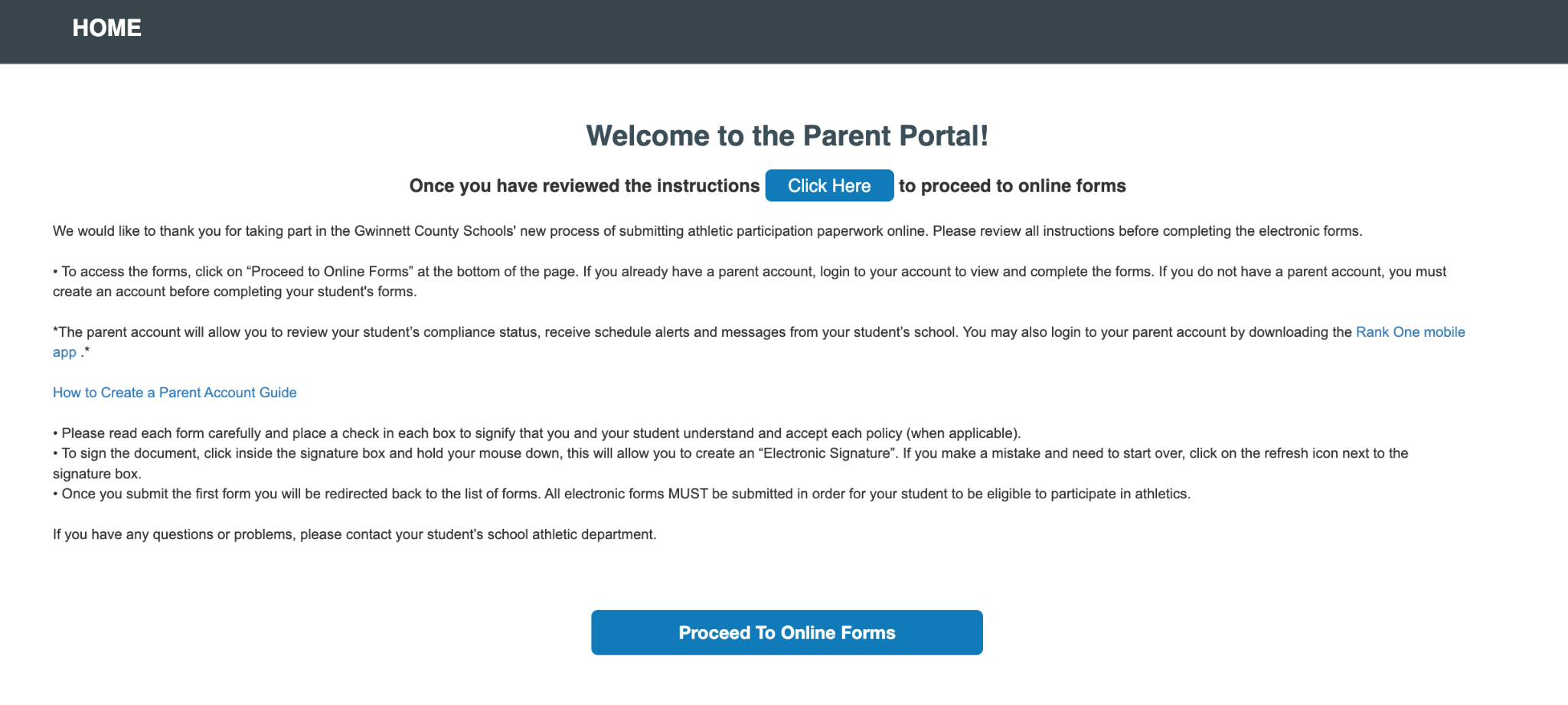
The district instructions page provides important details before you begin.
Click the Continue as Guest button on the login page. This allows you to complete and submit the required forms without creating a parent account.
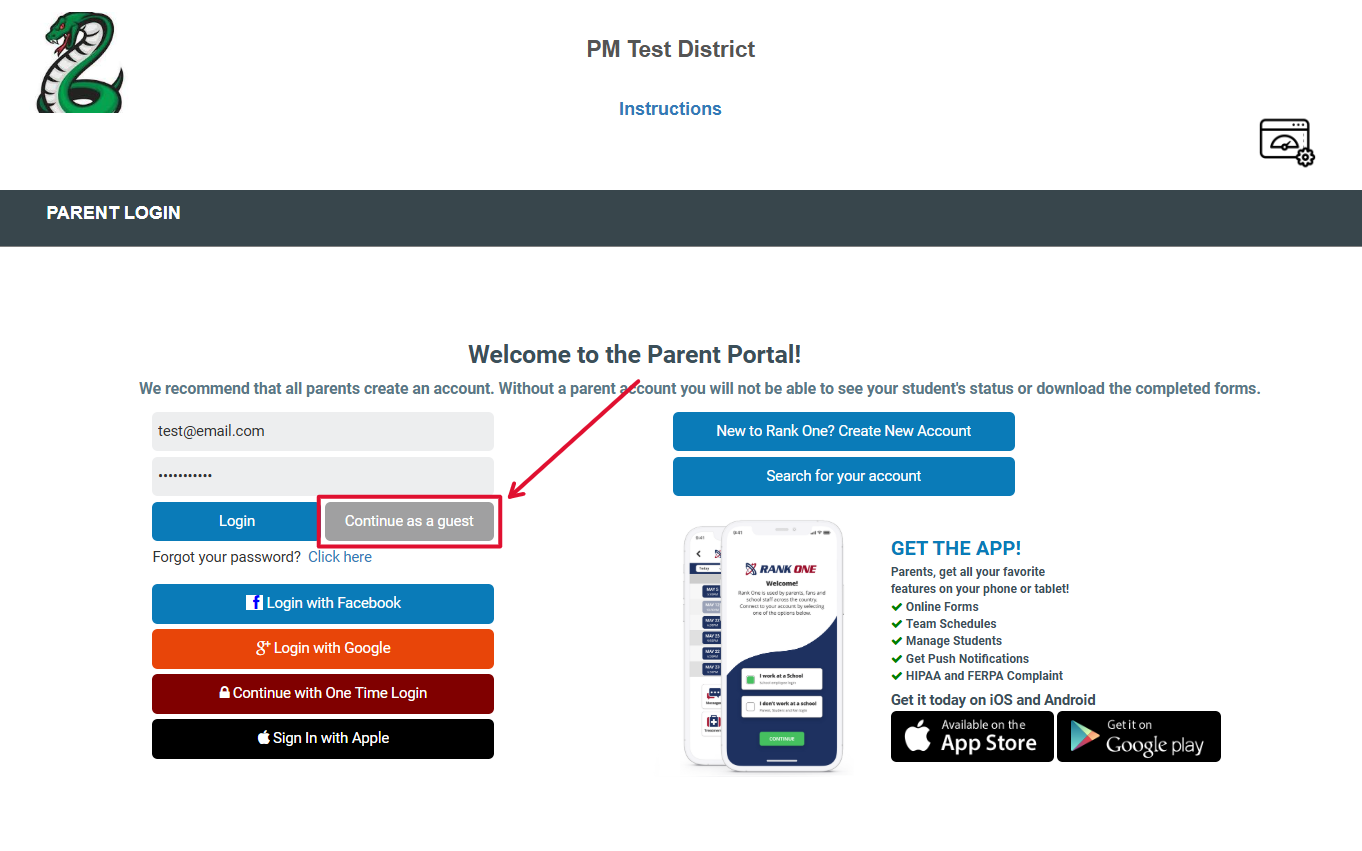
Click "Continue as Guest" to proceed without an account.
Student information may be required to be provided based on school settings. This helps to ensure the correct forms display for students.
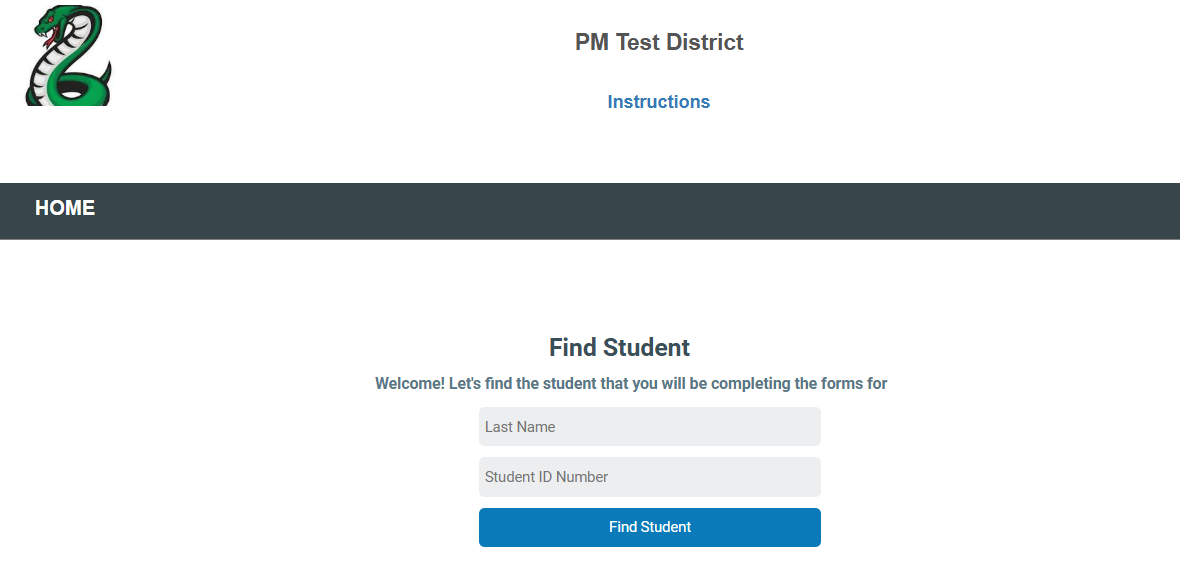
Choose your child's grade level to see the relevant forms.
You will see two sections of forms:
Review both sections to understand which forms are required by your district.
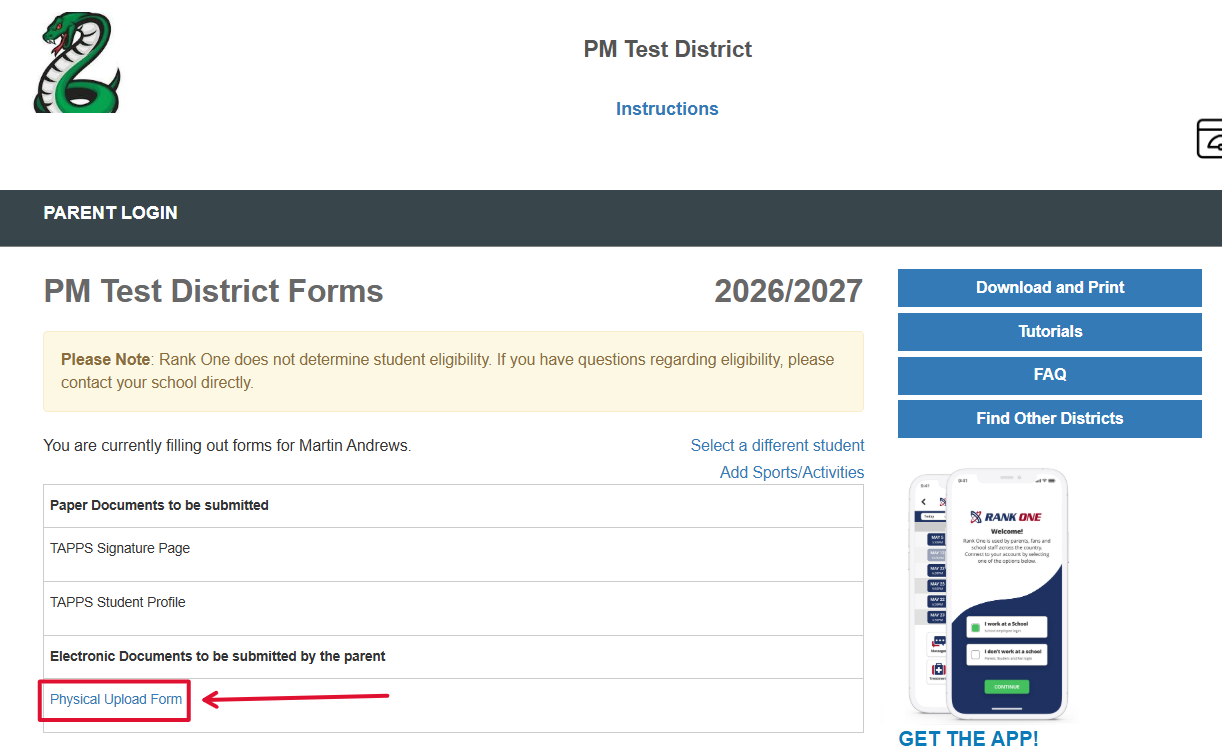
The Paper Documents and Electronic Documents sections display all required forms.
Click on any electronic form to open it. Fill out all required fields and follow the on-screen instructions to complete and submit each form. Repeat this process for every electronic form listed in the Electronic Documents section.
Additional features including Download/Print, Tutorials, FAQ, and Find Districts.