 Rank One Pro
Rank One Pro
Rank One Pro
District staff can use the Manual Registration feature to help students register for camps. This tutorial walks you through entering a registration and processing payment.
In Manage Camps, find the camp you would like to enter a registration for and click the Registrants button.
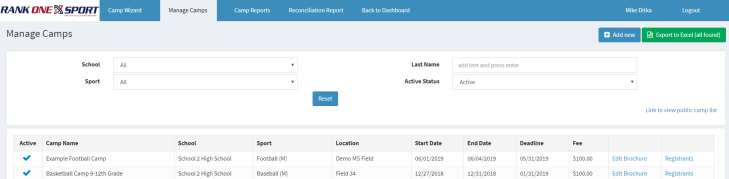
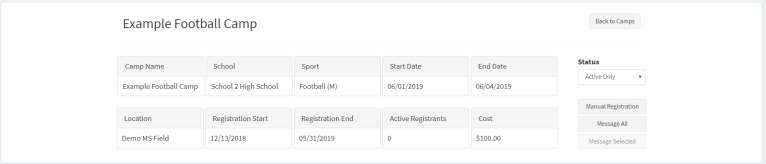
On the camp details page, click the Manual Registration button on the right side of the screen.
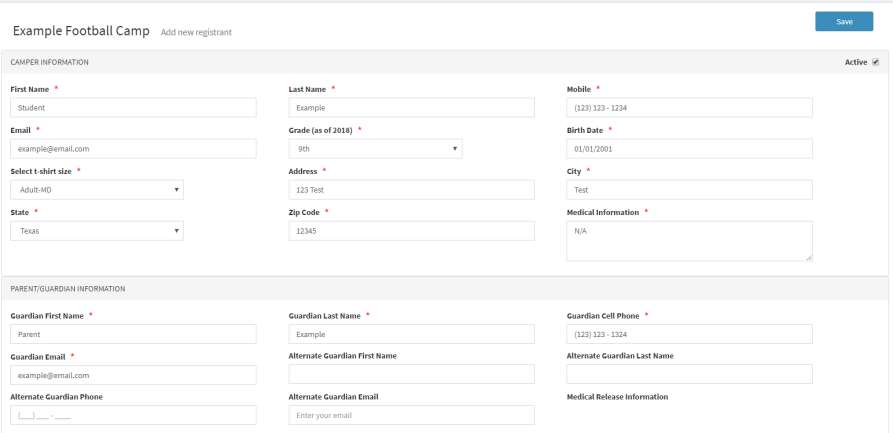
Fill in the registration information. Fields marked with a red asterisk (*) are required fields. Once all information is entered, click Save.
After saving, scroll to the bottom of the screen to view the Payments section and determine the payment method.
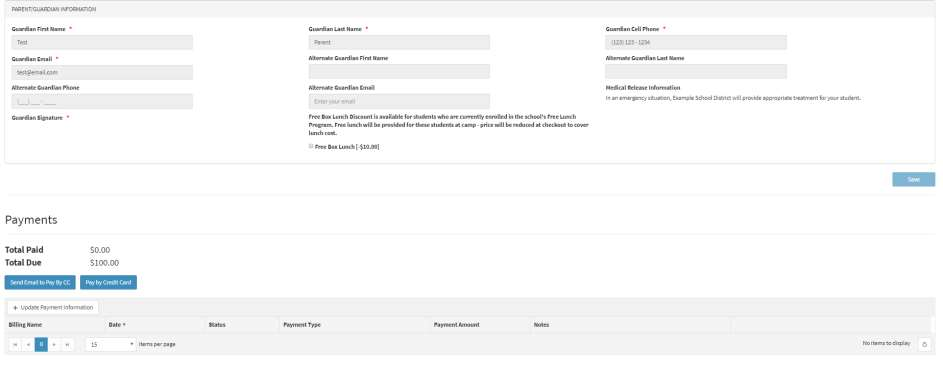
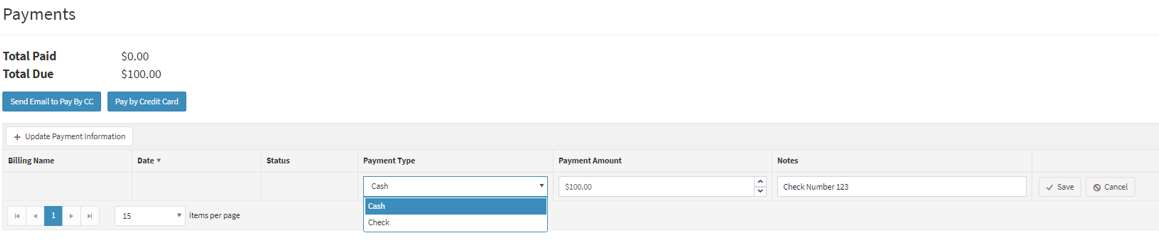
For check or cash payments, click Update Payment Information to expand the payment entry row. Fill in the remaining fields with the payment type, payment amount, and any notes, then click Save to record the transaction.
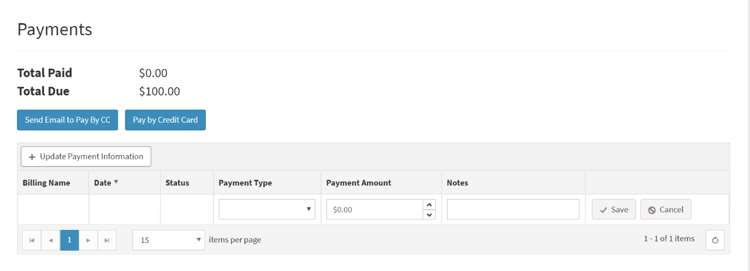
For credit card payments, choose one of the following options: