 Rank One Pro
Rank One Pro
Rank One Pro
This tutorial explains how to manually update a camper's payment status using either a check/cash or credit card payment method.
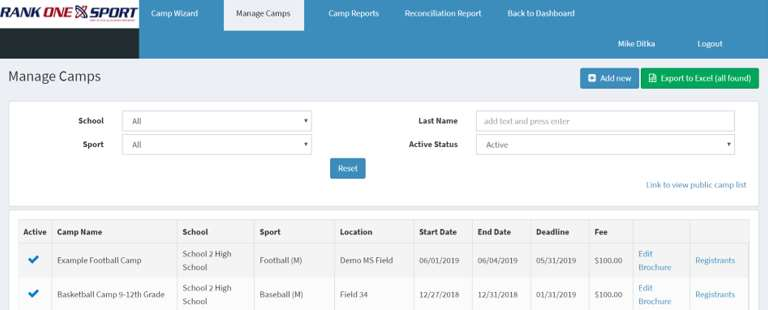
From Manage Camps, find the appropriate camp and click the Registrants button.
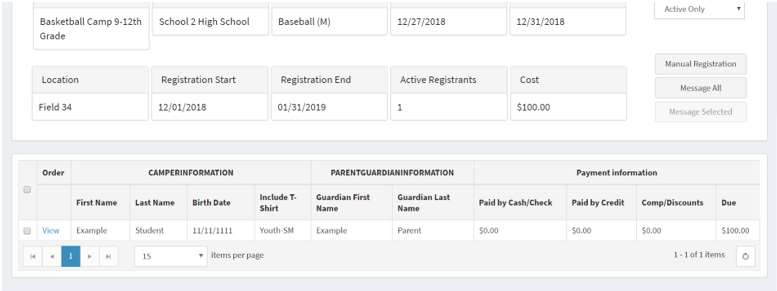
Find the camper you wish to mark as paid in the registrant list and click View next to their name.
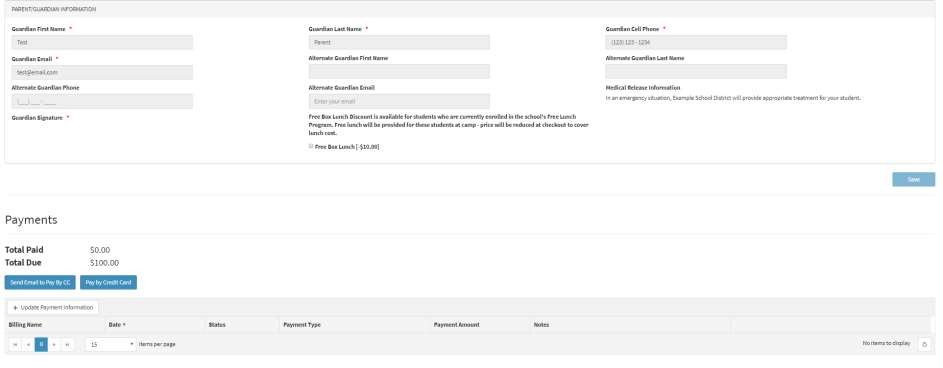
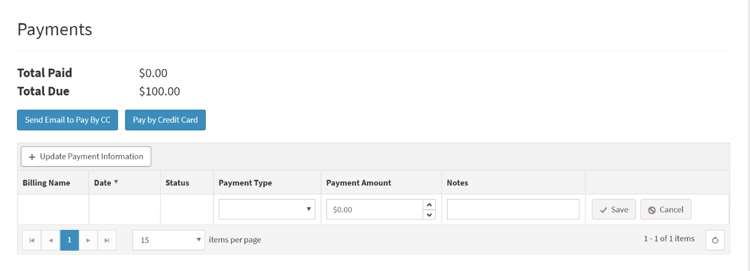
Scroll to the bottom of the camper's page to view the Payments section and determine the payment method.
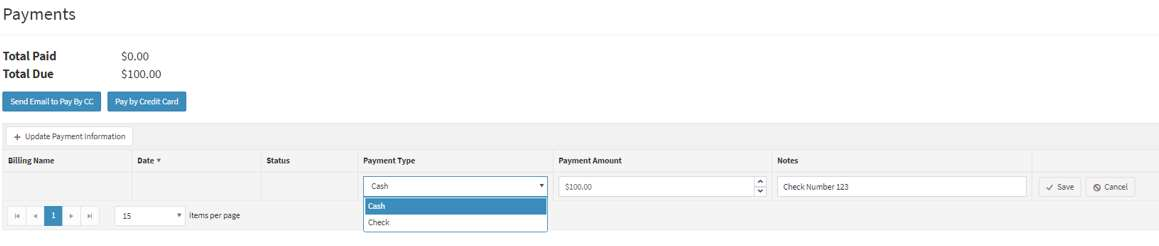
Click Update Payment Information to expand the payment entry row. Fill in the remaining fields with the payment type, payment amount, and any notes, then click Save to record the transaction.
Select which option to use in order to submit payment by credit card: