 Rank One Pro
Rank One Pro
Rank One Pro
This tutorial guides parents and community members through subscribing to schedule alerts on the Rank One website. Once subscribed, you will receive email or text notifications whenever a schedule is updated.
Open your web browser and navigate to www.rankone.com.
From the main navigation menu, click on "View Schedules" to access the public schedule search page.
Enter your school's name in the School Name field. You can also narrow your search by selecting a Sport from the drop-down or entering a City Name.
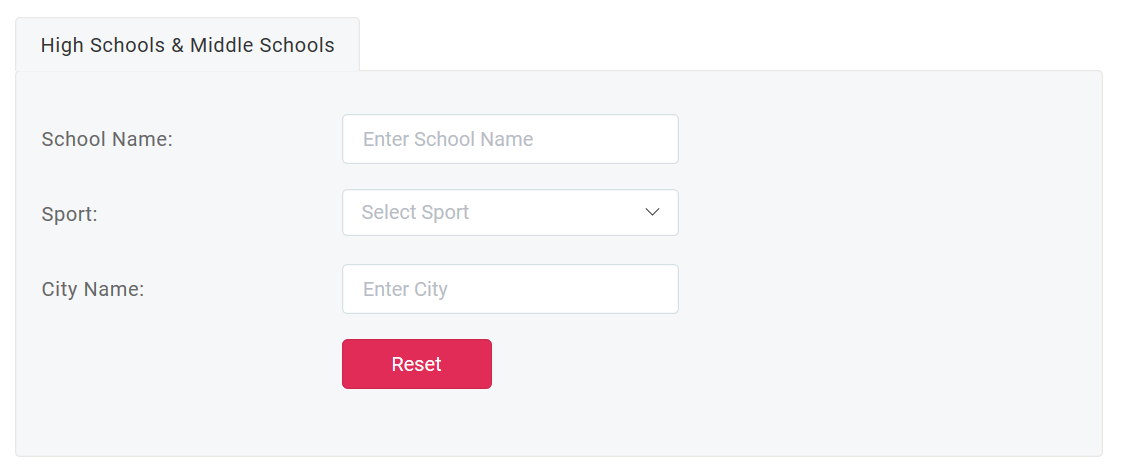
The schedule search form where you enter your school name, sport, and city.
From the search results, find the team you are interested in and click "View Schedule" next to that team.

Search results listing teams. Click "View Schedule" next to the team you want to follow.
Once the schedule loads, click "Sign up for schedule alerts" at the top of the schedule page to open the alerts subscription dialog.
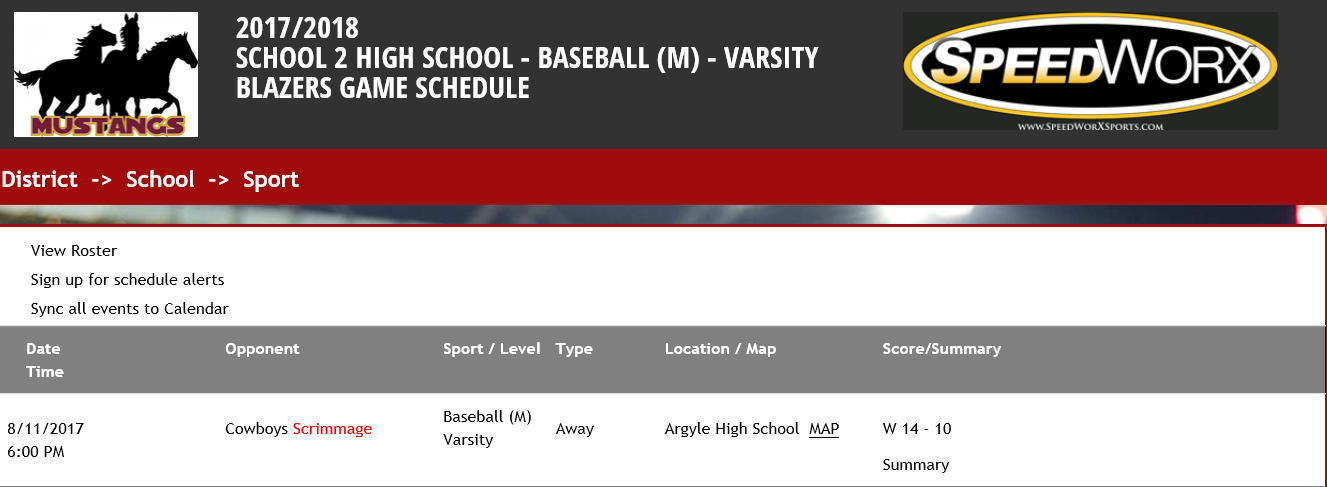
The schedule page displaying game details with the alert signup option.
In the Schedule Alerts dialog, enter your email address to receive email alerts, or enter your cell phone number to receive text alerts. Then click "Subscribe".
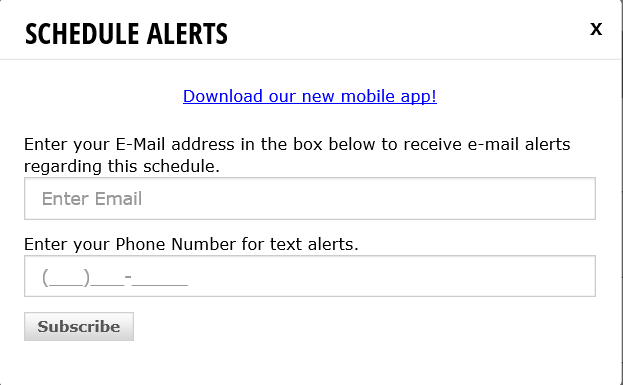
Enter your email address or phone number and click Subscribe to receive schedule alerts.