Rank One Pro
Rank One Pro
Rank One Pro
This tutorial explains where to find the links to place on your district website so parents can access the camp registration page.
Go to the CAMPS tab and click on Manage Camps. You will see two link options:
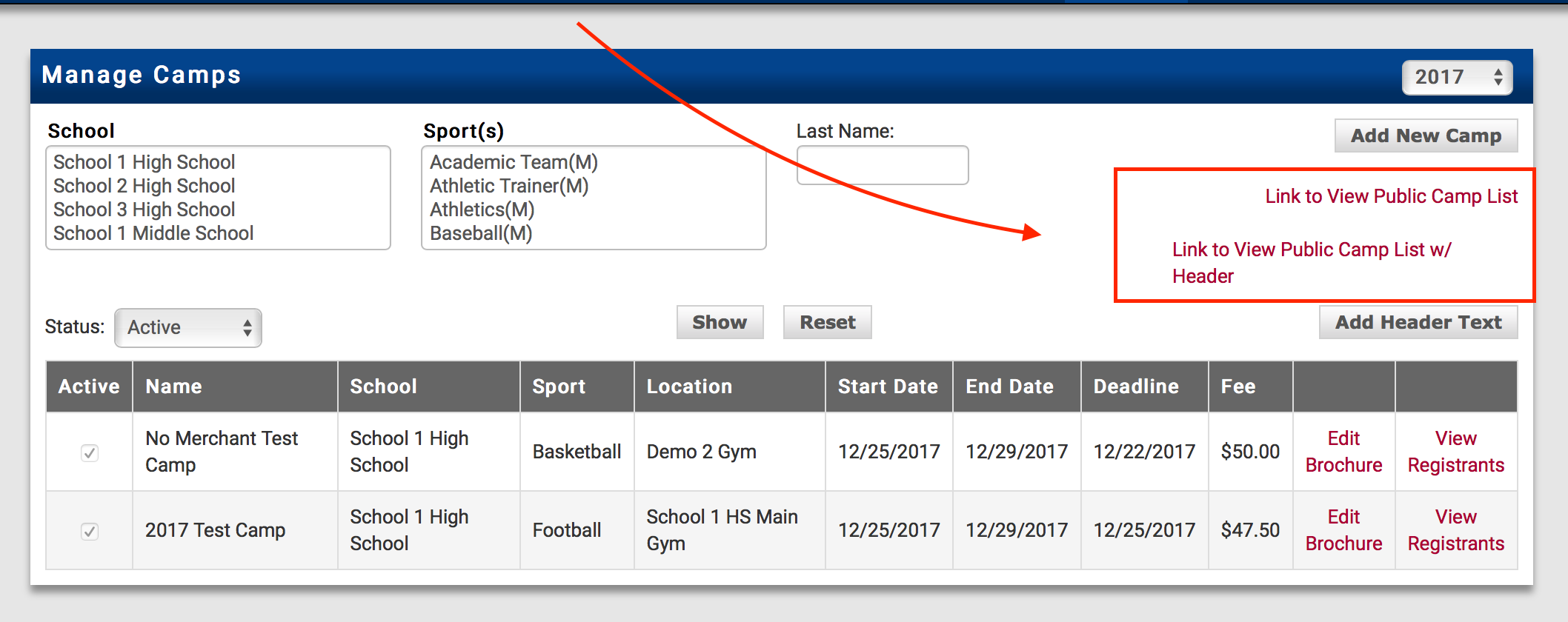
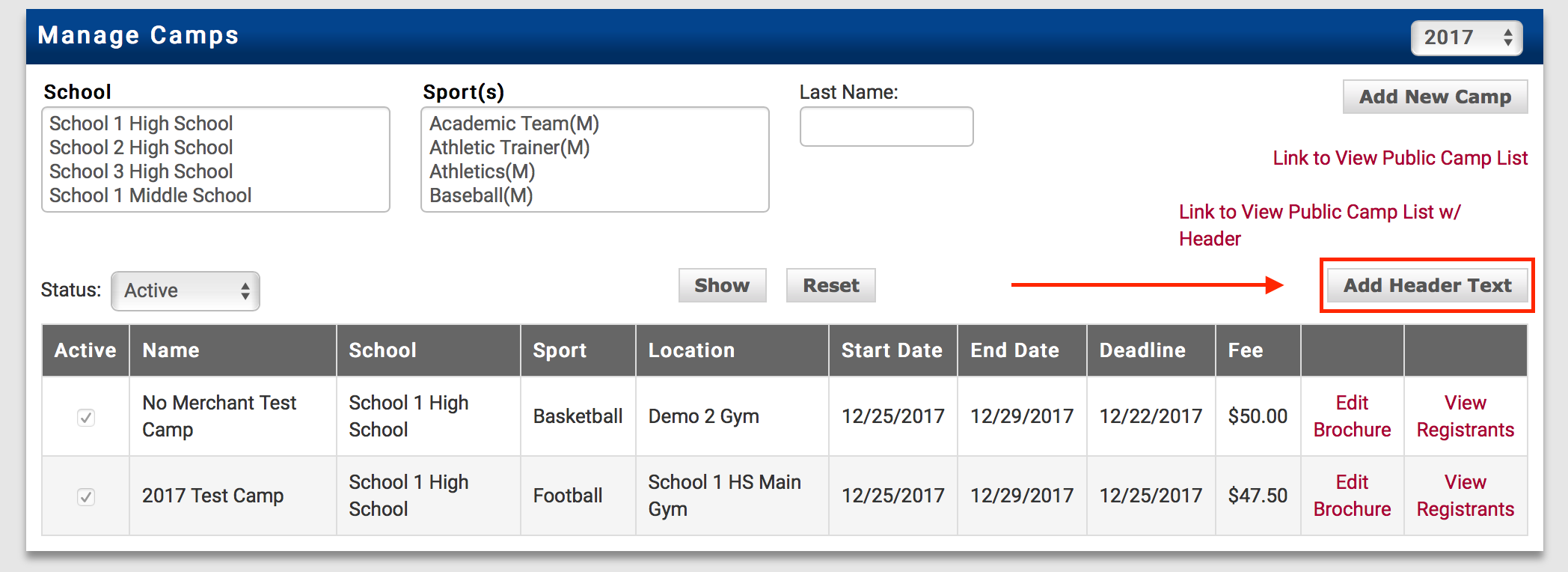
The link with w/ Header allows you to place custom information at the top of the camp registration page. To add header information, click the Add Header Text button.
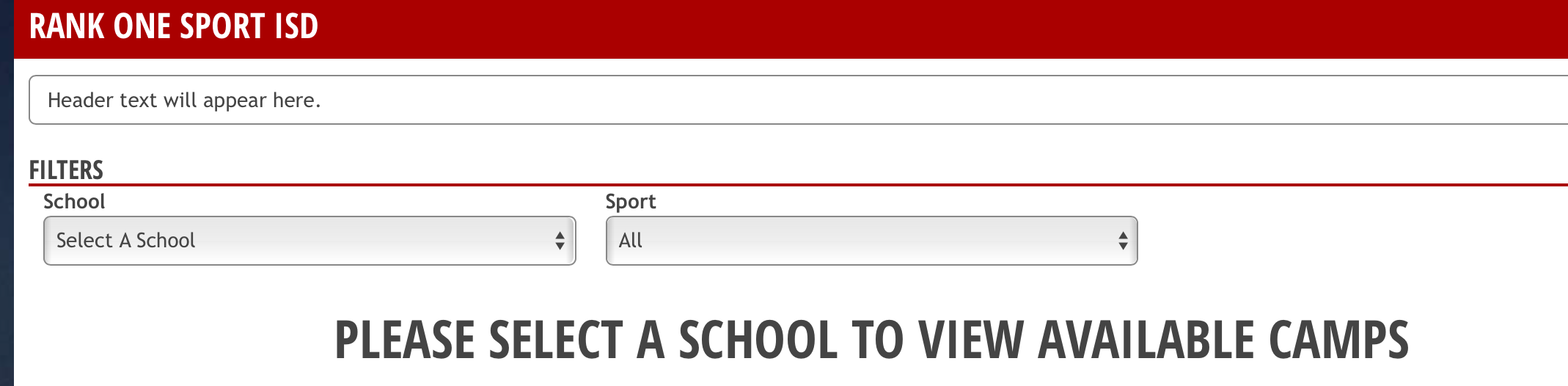
Once you have added Header Text, the information will be displayed at the top of the registration page. Parents can access any of the camps from this link, choose a school, narrow the list by selecting a sport, and access camp brochures to print from the site.