Rank One Pro
Rank One Pro
Rank One Pro
This feature allows you to print forms en masse that have been uploaded manually or electronically. For example, you can print all Football players' consent to treat forms.
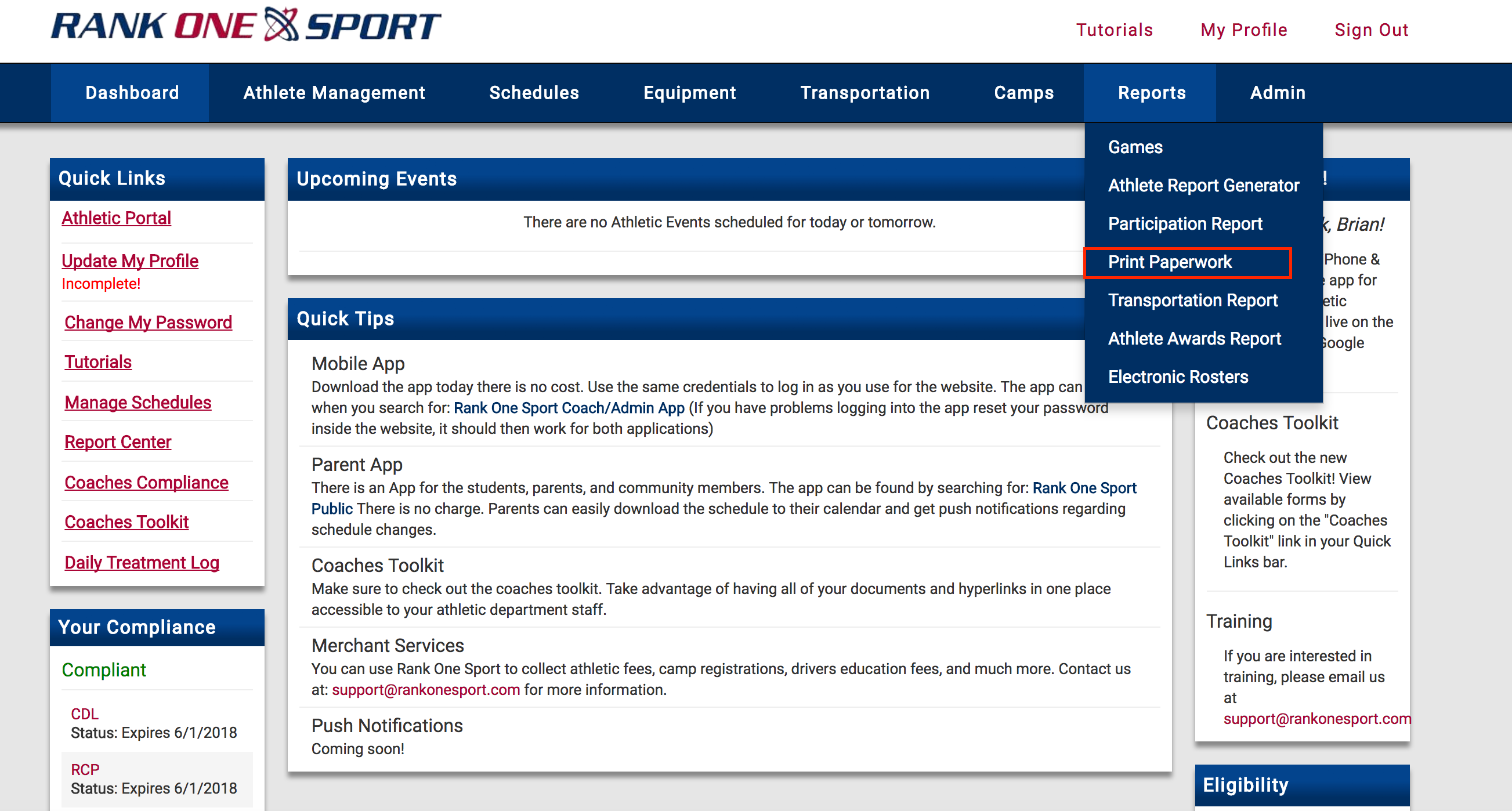
Hover over the Reports tab and select Print Paperwork.
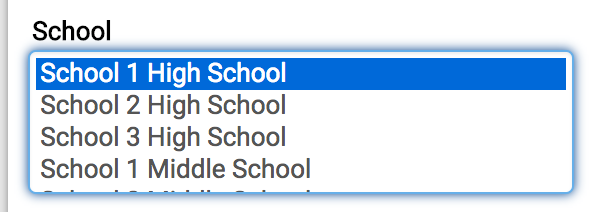
Click on the selections you would like to print forms for.

Select the form or forms you would like to include in the report.

Click Show. The report will display at the bottom of the webpage.
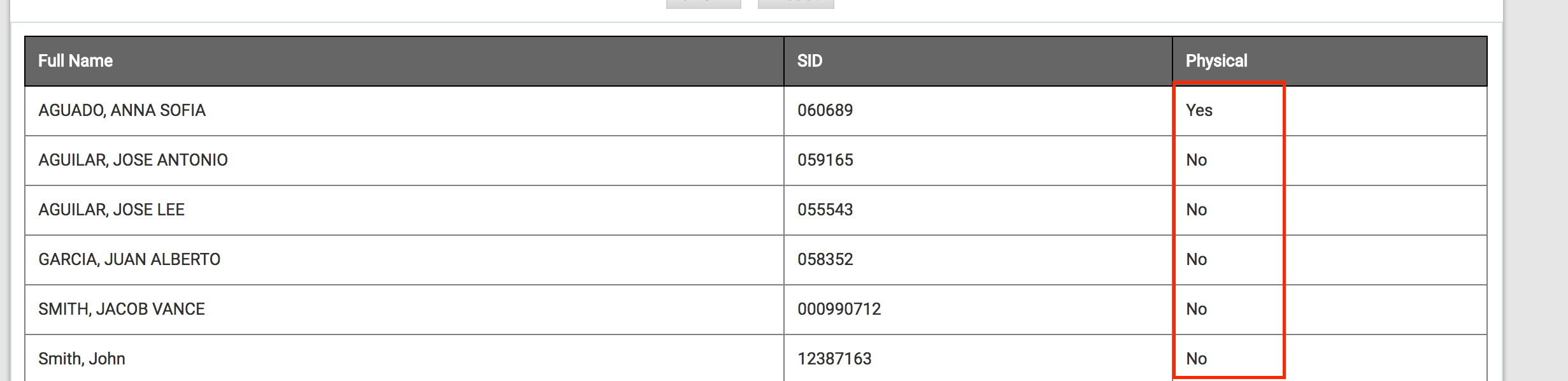
The report shows ALL athletes on the selected rosters. If a student has a form available, it will say "Yes" in that form's column; otherwise it will say "No".
Click the Print Forms button at the bottom of the page. A message confirms the file has been sent to your Rank One email address.
Download and print the files as needed.