 Rank One Pro
Rank One Pro
Rank One Pro
The Professional Management module in Rank One Pro allows administrators to manage compliance documentation and credentials for coaches and staff. With Professional Management, you can:
Navigate to Administration > Users and select the user you want to grant access to. In the user's permissions settings, enable access to the Professional Management module and click Save.
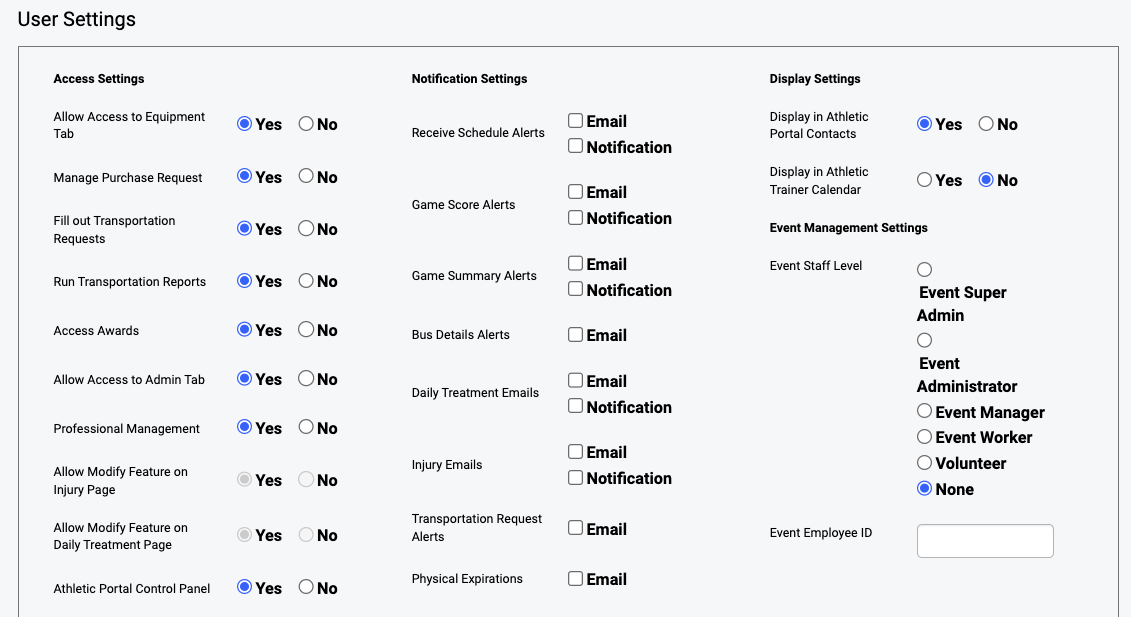
Granting a user access to the Professional Management module.
Once access has been granted, navigate to the Professional Management page from the main menu. This is where you will manage all compliance forms, documents, and reports for coaches and staff.
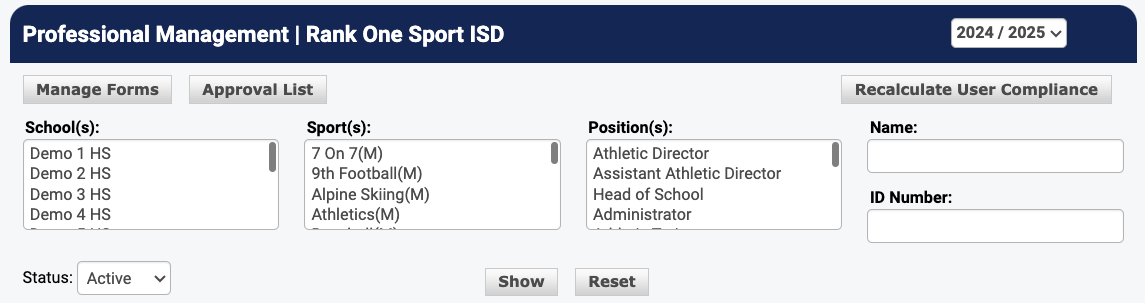
The Professional Management main page.
Click on Manage Forms to view, create, and edit the compliance forms that coaches and staff need to complete. From here you can add new forms, set due dates, and configure required fields.
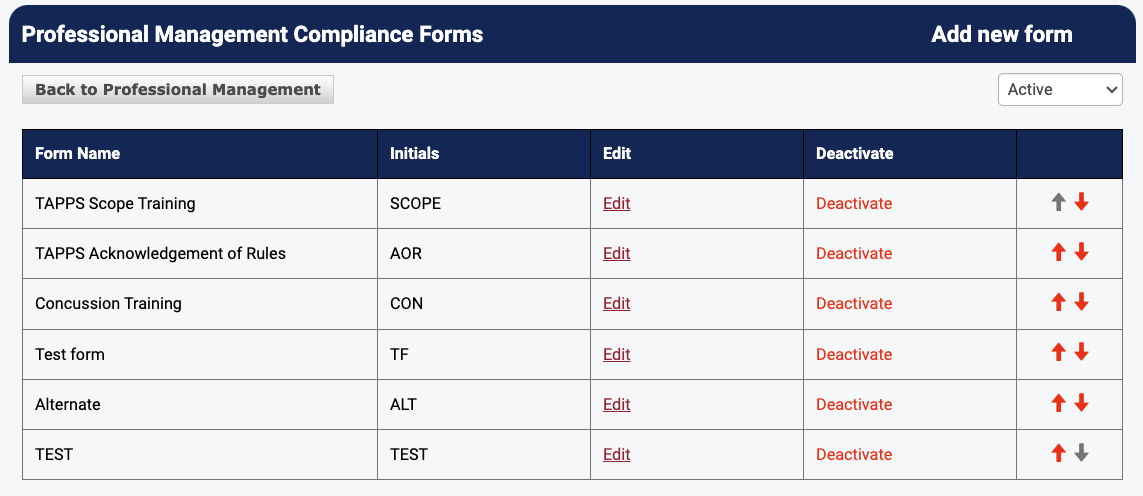
The Manage Forms page where compliance forms are configured.
To document compliance or upload documents for a specific coach, use the search function to find the coach by name. Select the coach from the results to open their professional profile.
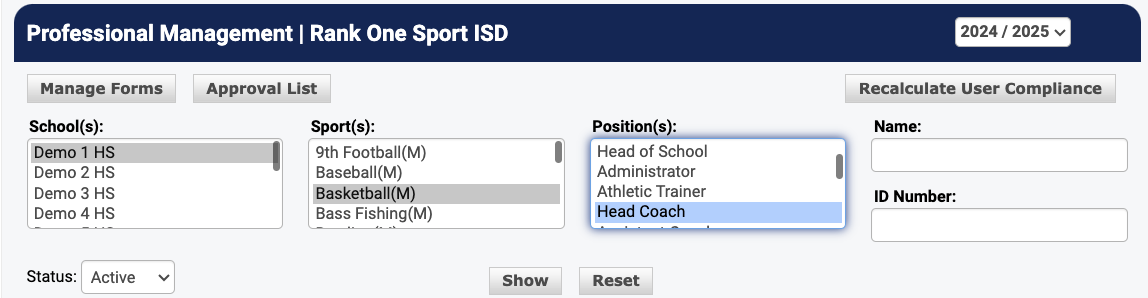
Searching for a coach to manage their compliance documents.
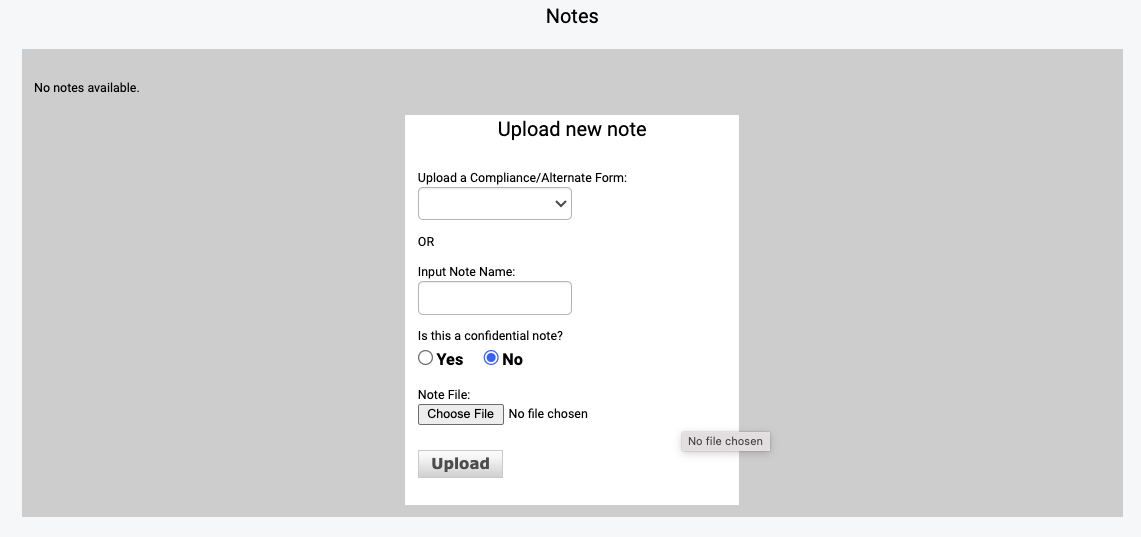
On the coach's personnel profile, you can view their current compliance status, complete forms on their behalf, and upload supporting documents such as certifications, background checks, and training records.
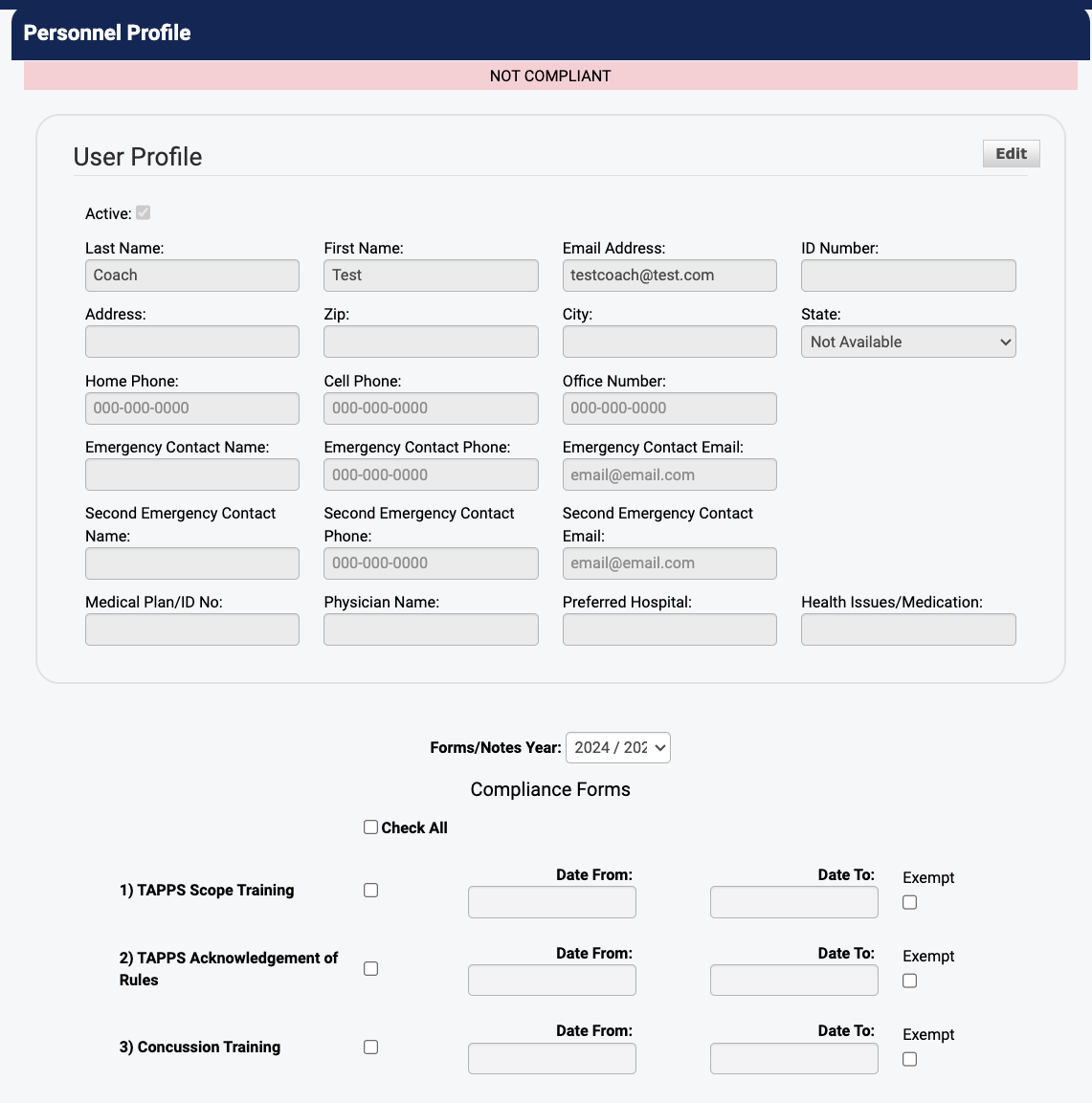
A coach's personnel profile with compliance tracking and document uploads.
Coaches who have been granted access can log in and view their own compliance status from the Coach View. This allows coaches to see which forms are complete, which are pending, and to upload their own documents as needed.
Use the Report Generator to create compliance reports across your organization. You can filter by sport, compliance status, date range, and more. Reports can be exported for record-keeping or shared with administrators.
The Report Generator for creating compliance status reports.