 Rank One Pro
Rank One Pro
Rank One Pro
The Reconciliation Report can be used to determine the breakdown of deposits made for camps. For example, if a district is running multiple sports camps at one time, you can run a report and see how much money should be distributed to a specific sport.
Log in to your Rank One account and access Camps & Commerce under the Camps tab. Select Reconciliation Report at the top of the page.

You will be taken to the Reconciliation Report page where you can filter results by date.
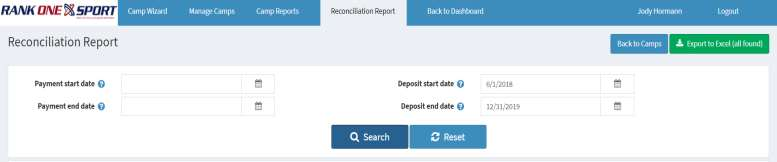
Use the date filters to narrow your results:
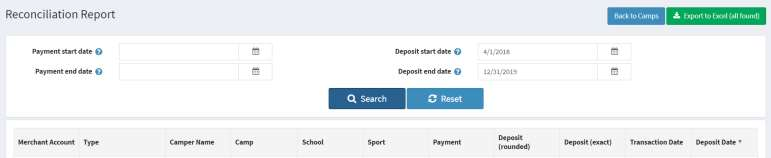
After adjusting the filters, the report data will appear below. From this page you can click Export to Excel to download the data and custom sort the information as needed.
