 Rank One Pro
Rank One Pro
Rank One Pro
This feature allows you to control when the Physical expires for your district. The physical expiration date is district wide and cannot be set on a school-specific basis.
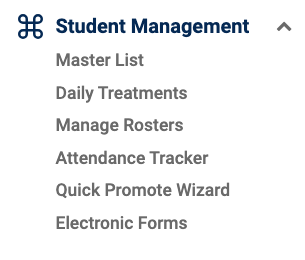
Hold your cursor over Athlete Management (labeled "Student Management" in some versions) and select Master List.
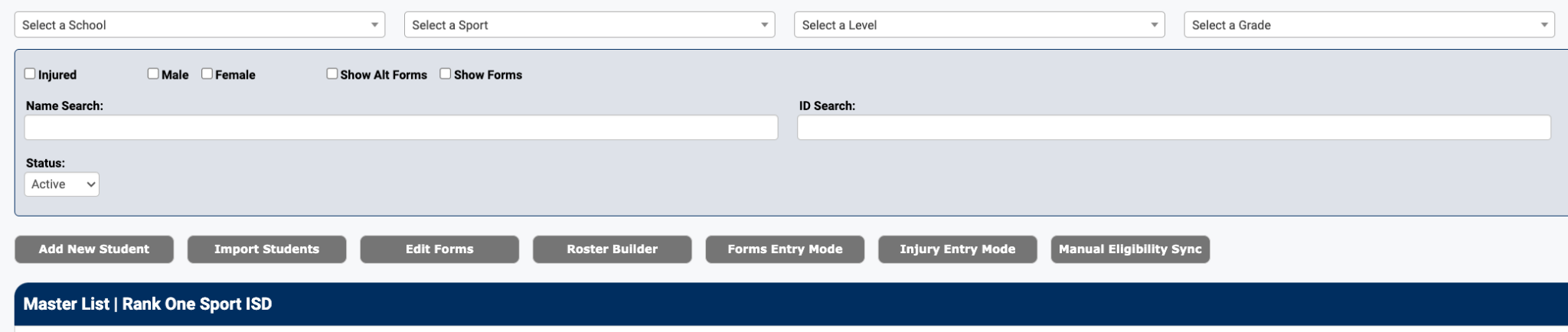
Select the Edit Forms button located at the top of the Master List page.
Select "Edit" on the Physical requirement line in the Eligibility Forms table.

Choose one of the two expiration options:
If you select "Set Month & Day", choose the appropriate Month and Day from the dropdowns, then click Save.
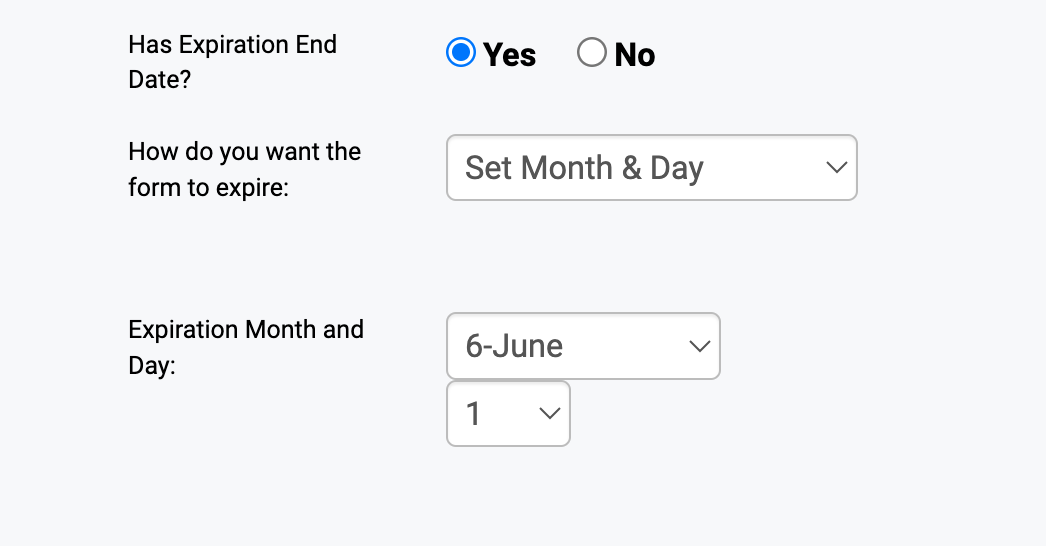
Example: Setting the expiration to June 1st
If you select "Set Days to Expire", type in the designated number of days a Physical Exam is valid for your district and select Save.
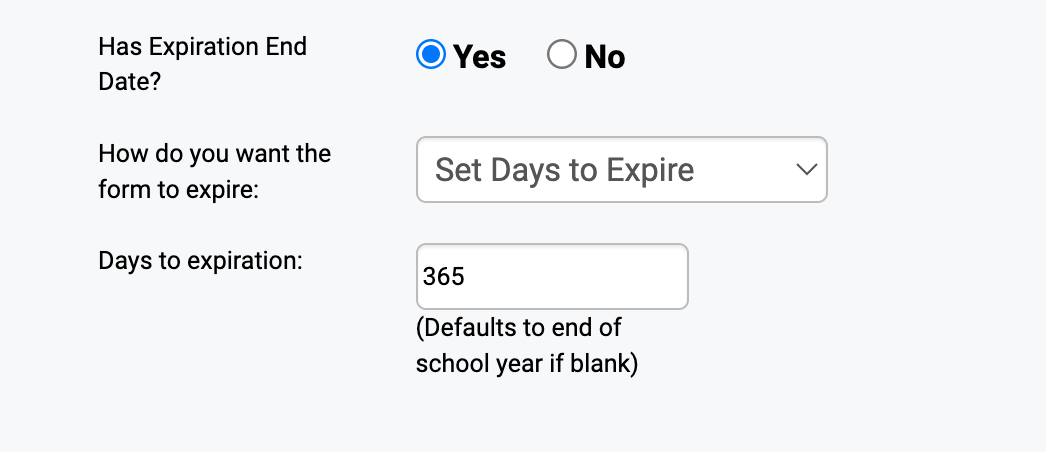
Example: Setting the expiration to 365 days (1 year)