 Rank One Pro
Rank One Pro
Rank One Pro
The text and email alerts for members are designed to give Admin, Athletic Trainers, Coaches, Directors, and Secretaries the ability to control the types of messages they receive regarding: Game Changes, Game Summaries, Games Added, Games Scheduled, Score Updates, Injury Updates, and Daily Treatment Notifications.
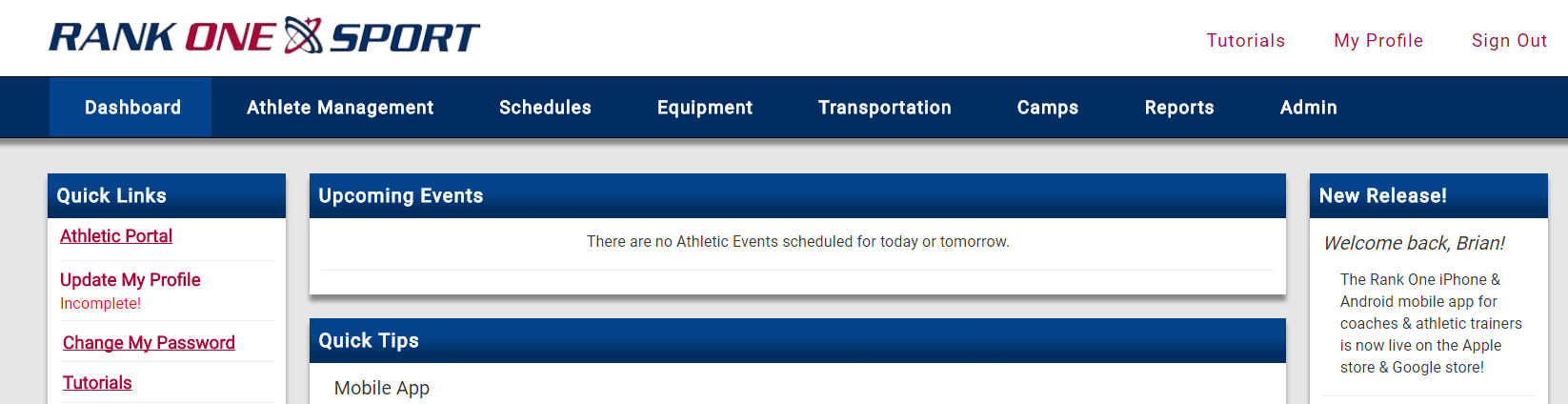
Log into your Rank One account and select "Update My Profile".
Place a check in the boxes next to the notifications you would like to receive, or uncheck boxes for notifications you no longer want.
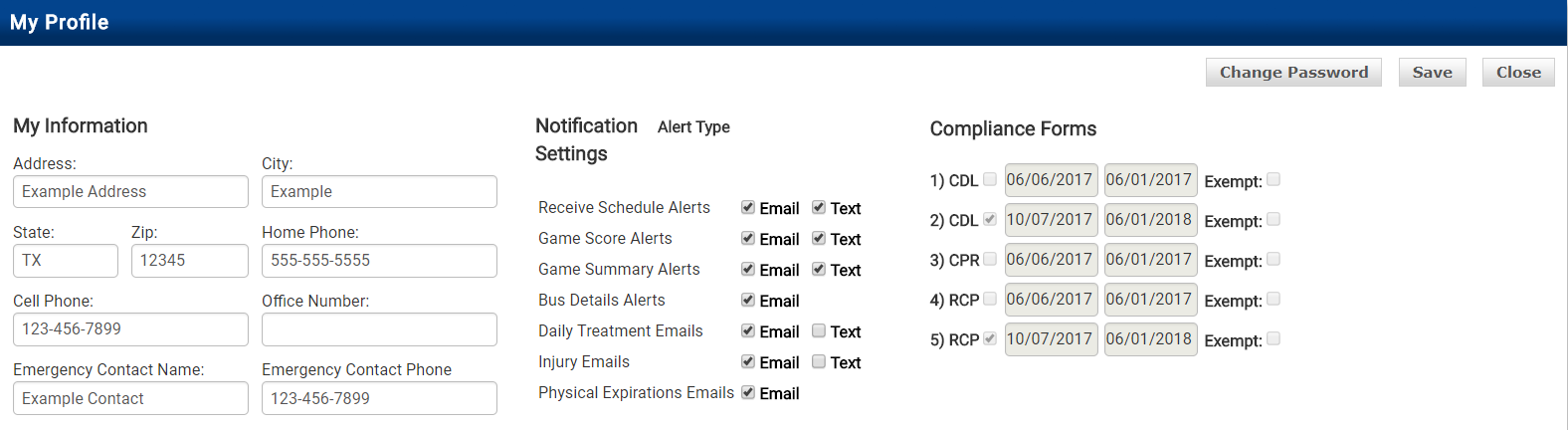
Click Save to apply your notification preferences.