 Rank One Pro
Rank One Pro
Rank One Pro
This tutorial explains how to unsubscribe your cell phone number from schedule alert text messages sent by Rank One Classic.
Open the text message containing the schedule alert on your phone. Click on the link underneath the schedule alert.
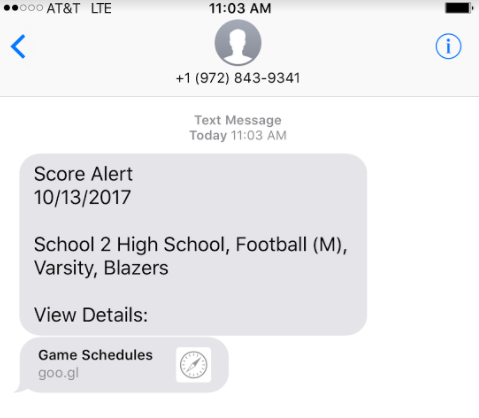
A schedule alert text message with a link to view details.
After clicking the link, the score alert details page will open. Scroll down and click the "Click Here to Unsubscribe" button at the bottom of the page.
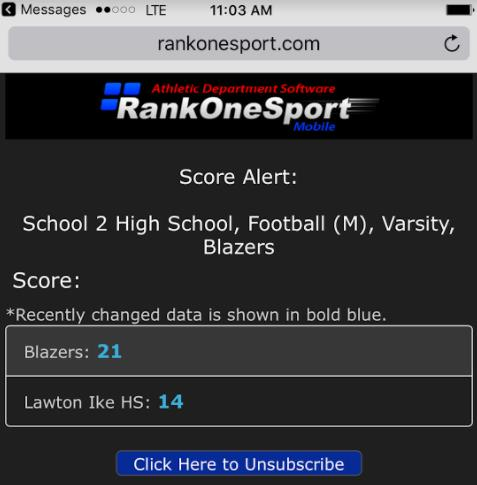
The score alert page with the "Click Here to Unsubscribe" button at the bottom.
Type your cell phone number in the Phone Number field and click the Unsubscribe button.
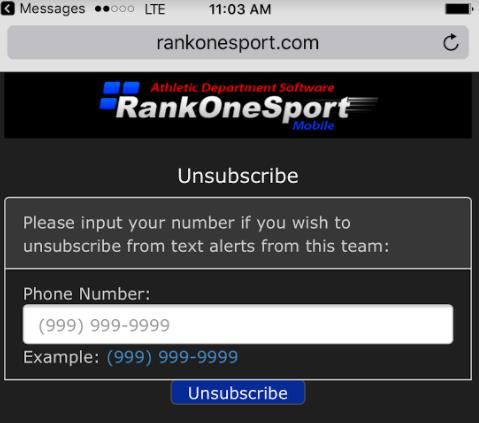
The Unsubscribe page where you enter your phone number.
You will receive a success message confirming that your phone number has been unsubscribed from the alerts.
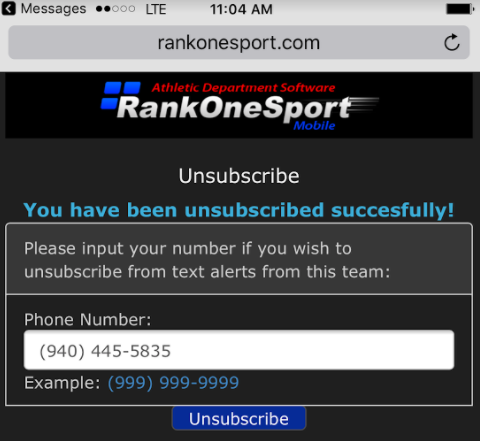
The success confirmation message after unsubscribing.